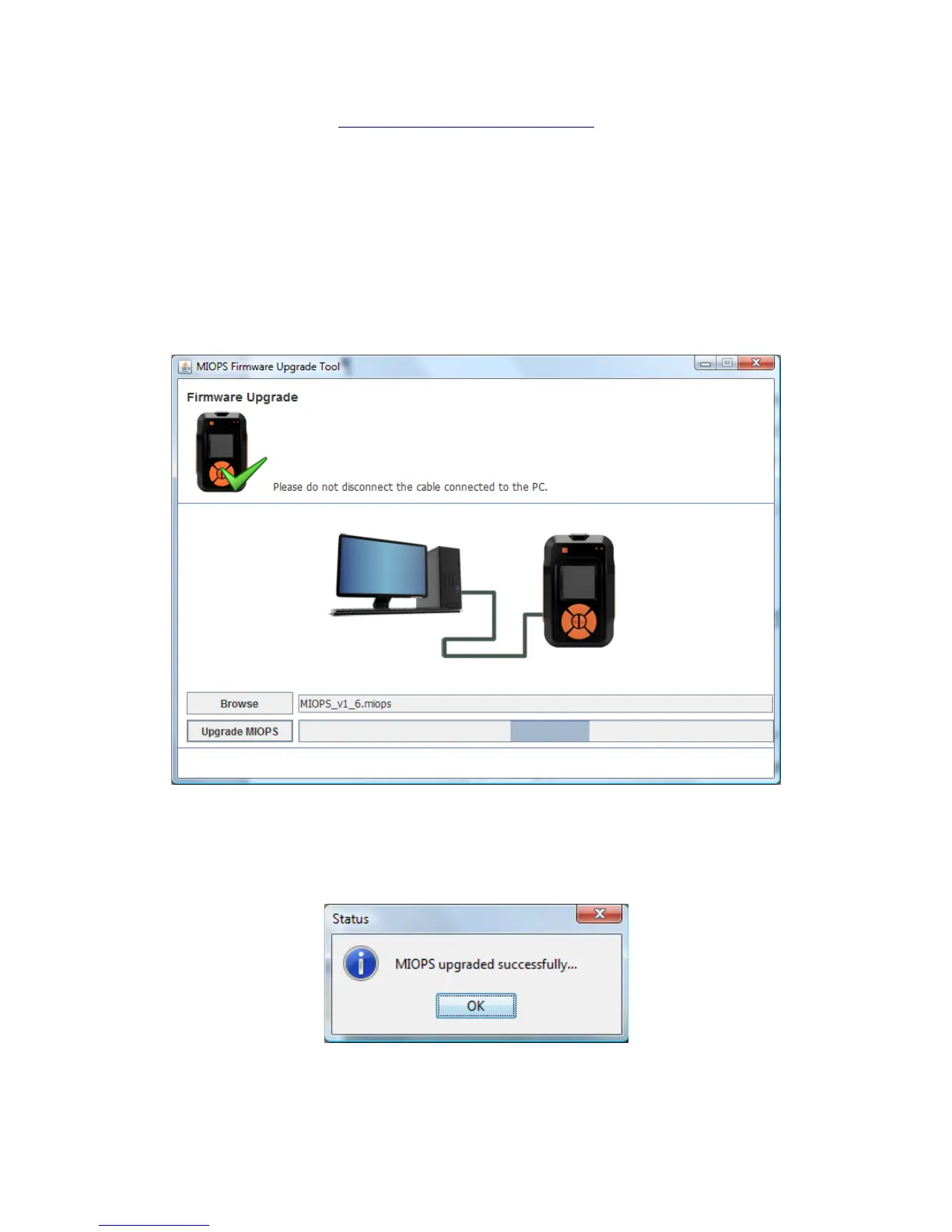
The latest firmware file is MIOPS_v1_7.miops. You can download the latest file
from the following link: http://miops.com/download/ The file name can change
for the future versions to reflect the version changes. After this click the
Upgrade MIOPS button. It should take about 15 seconds to upgrade the
firmware. Then MIOPS Smart will restart again and you will have your MIOPS
Smart with the new firmware updated. If anything goes during the firmware
upgrade you can start over. Repeat the same of putting MIOPS Smart to
firmware upgrade mode locate the firmware file and then complete the
upgrade.
Figure 9 Firmware Upgrade Process
When the firmware upgrade is completed, you should see the following
confirmation message.
Figure 10 Firmware Upgrade Complete



 To Next Page