14 TX3 Telephone Access System Programming Manual Version 2.7
LT-979 Copyright 2018
Configuration
•Firmware Version
• Panel Type (for example, telephone access or card access)
• Model (for example, 200 names)
• Last Modified
• Cfg tool used (for example, Configurator or front panel)
•Panel ID
• RS485 Address
• IP Address
To view configuration information, you must first enter the configuration mode.
To select viewing mode
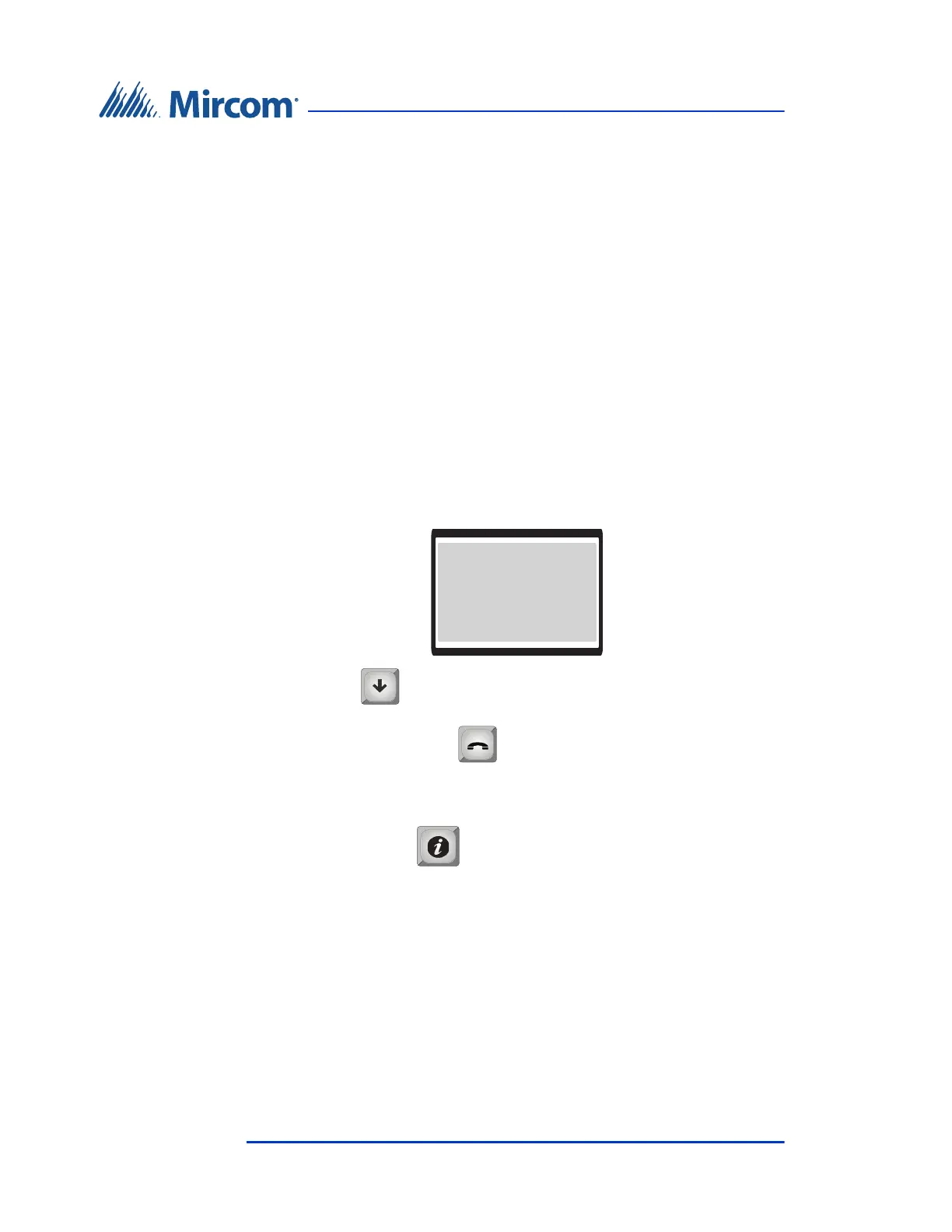
1. Press 9 9 9 9. The Main Menu appears. You may need to scroll up or
down to view the entire selection.
2. Press the (scroll down) to “View Cfg Info”.
3. Press the telephone key .
4. The system configuration information appears.
5. Press the info key to return to the previous menu.
Main Menu
1 Configuration
2 Operation
3 View Cfg Info
4 View time & dat





 To Next Page