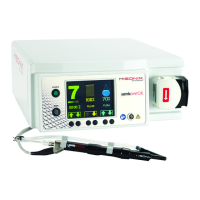
Instructions For Use – neXus Ultrasonic Surgical Aspirator
Doc #: 100-10-1000 rev A p 36
6.9
Mode Selection & Functionality
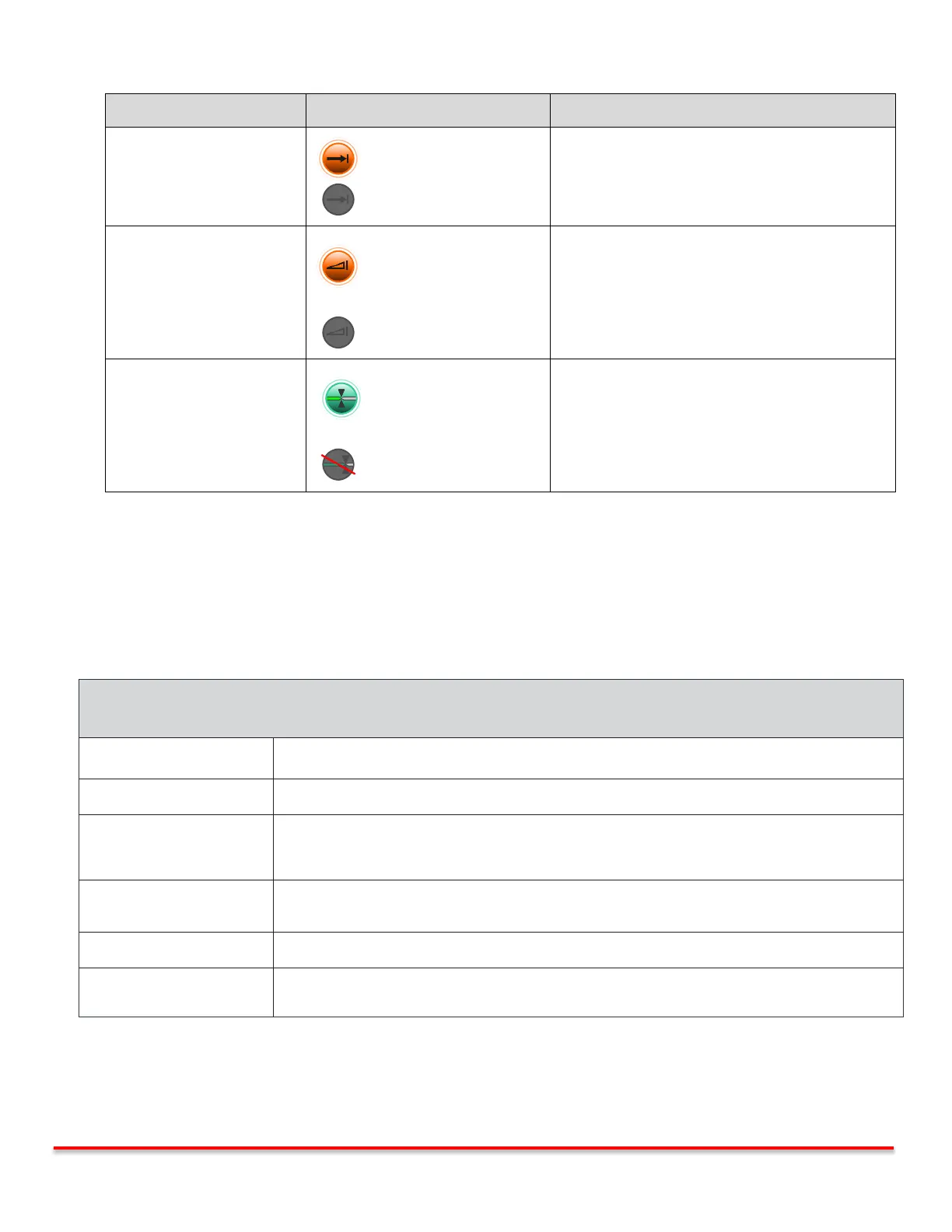
This icon allows the user to enable/disable the Preset
mode. In this mode, vibration is available immediately at
its user setting.
This icon allows the user to enable/disable the Linear
mode. In this mode, the vibration setting varies from 0
to the preset user setting as a linear function of the
amount of footswitch travel (i.e. gas pedal)
This icon allows the user to enable/disable the
LAP/ENDO mode. In this mode the aspiration tubing is
being pinched to prevent the loss of insufflation. When
the foot pedal is depressed it opens for tissue removal
into the canister.
6.10
System Check
After preparing the system for use, a System Check should be performed prior to use ensuring proper functionality. Upon
success completion of the System check, as described below, the neXus Ultrasonic Surgical Aspirator System is now ready for
use.
Switch to Enable Mode using enable/standby button. Confirm that Amplitude setting is
Orange.
Direct ultrasonic tip toward suitable reservoir to collect irrigation. Depress footswitch.
Irrigation is pumped from console towards handpiece.
A beep is briefly heard.
Ultrasonic tip emits buzzing sound and irrigation exits tip as fine spray.
Ultrasound and Flow output stop.
System is now ready for use.
Console alerts of a Fault or does not respond as expected. Refer to troubleshooting section for
next steps.
Table 6.7.1: Console System Check
Table 6.5.5: Operational Mode Selection



 To Next Page