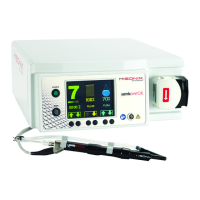
Instructions For Use – neXus Ultrasonic Surgical Aspirator
Doc #: 100-10-1000 rev A p 42
8.
Faults, Indicators & Troubleshooting
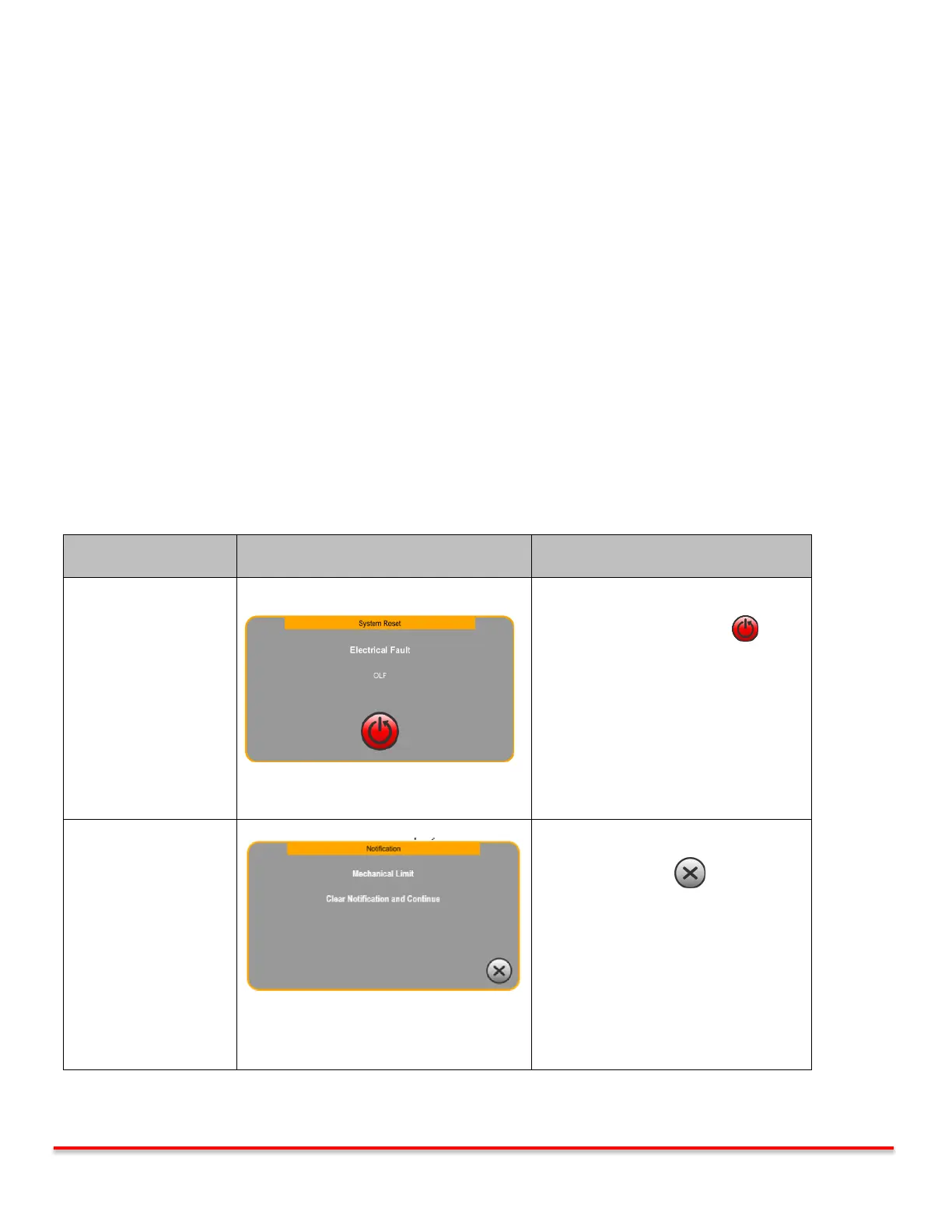
The neXus Ultrasonic Surgical Aspirator System provides both visual and audible alert signals when the system is not
functioning properly. The fault system can issue either a “Notification” or “System Reset” Fault.
The neXus Ultrasonic Surgical Aspirator System has four groups of faults, those include the following
Electrical Faults
Mechanical Faults
Communications Faults
Power Supply Faults
High Temperature Faults
Footswitch Faults
Handpiece Faults
Faults on the neXus system can result in a notification, allowing for correction and dismissal. Or, faults can require a
system reset.
CAUTION Improper use or adjustment of this device may invalidate the Misonix, Inc. Warranty agreement.
Contact your authorized Misonix, Inc. representative before attempting to troubleshoot this device
in any manner other than those specified in this manual. There are no user serviceable parts.
Fault screen also triggers a pulsed, audible
indicator.
System functions automatically disabled.
Press the System Reset Button .
System reboots;
“neXus” splash screen appears followed
by the Priming screen.
Priming screen may be skipped.
*Skipping priming screen returns user to
the Main screen.
Fault screen also triggers a pulsed, audible
indicator.
System functions remain enabled.
Press the Exit button to return to
the Main screen.
*Caution: Skipping priming screen can only be performed if the tubing was previously primed.
Table 8.0: Types of Faults and Indicators



 To Next Page