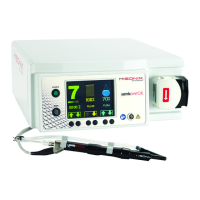
Instructions For Use – neXus Ultrasonic Surgical Aspirator
Doc #: 100-10-1000 rev A p 45
8.3 Power Supply Faults
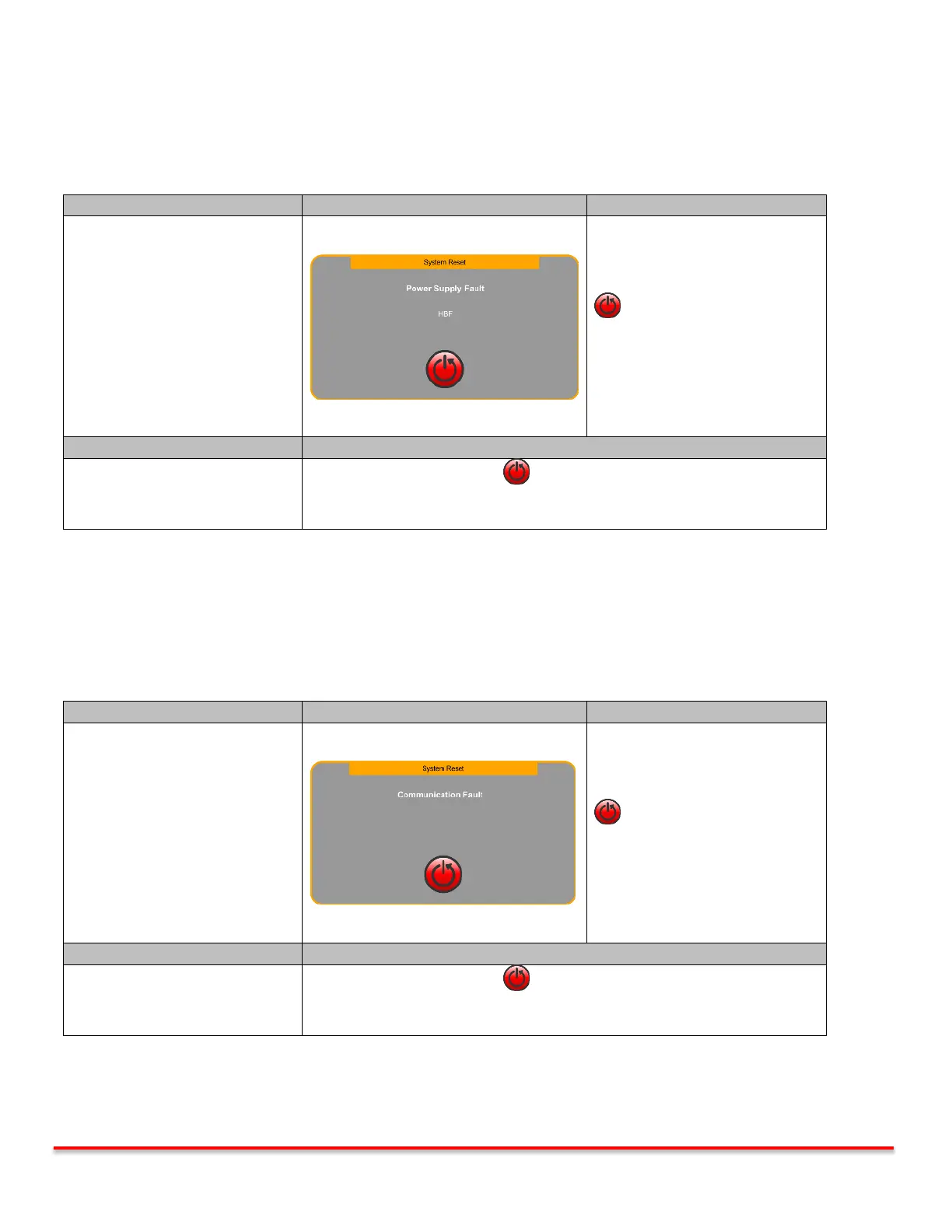
The console monitors the internal power supplies at all times and faults in cases when they are compromised. A System
Reset screen is displayed together with an audible indicator. Ultrasound and Irrigation are deactivated.
System Reset
Power Supply Fault
System functions automatically
disabled.
Pressing the System Reset Button
reboots the system.
“neXus” splash screen appears
followed by the Priming screen.
Priming screen may be skipped.
*Skipping priming screen returns
user to the Main screen.
Press the System Reset Button and try again.
If corrective action steps above are followed and fault continues, the console
may need to be replaced.
Table 8.3: Power Supply Faults
8.4 Communication Faults
The console monitors the internal microprocessors at all times and faults in cases when they are not communicating
properly. A System Reset screen is displayed together with an audible indicator. Ultrasound and Irrigation are deactivated.
System Reset
Communication Fault
System functions automatically
disabled.
Pressing the System Reset Button
reboots the system.
“neXus” splash screen appears
followed by the Priming screen.
Priming screen may be skipped.
*Skipping priming screen returns
user to the Main screen.
Press the System Reset Button and try again.
If corrective action steps above are followed and fault continues, the console
may need to be replaced.
Table 8.4: Communication Faults



 To Next Page