5055 SIP Phone User Guide (Rev. A)
- 8 -
Appendix B — Web Configuration Tool on page 45 shows all the pages of the Web
Configuration Tool, and the functions for each page.
Accessing the Web Configuration Tool
To access the Web Configuration Tool:
1. Get the SIP Phone’s IP address:
• Press the Menu key.
• Press the Line 1 key on the SIP Phone. The top line of the display shows the IP
address of the SIP Phone.
• Note the IP address of the SIP Phone, and press the Menu key to return to the
default display.
2. Launch your computer’s browser.
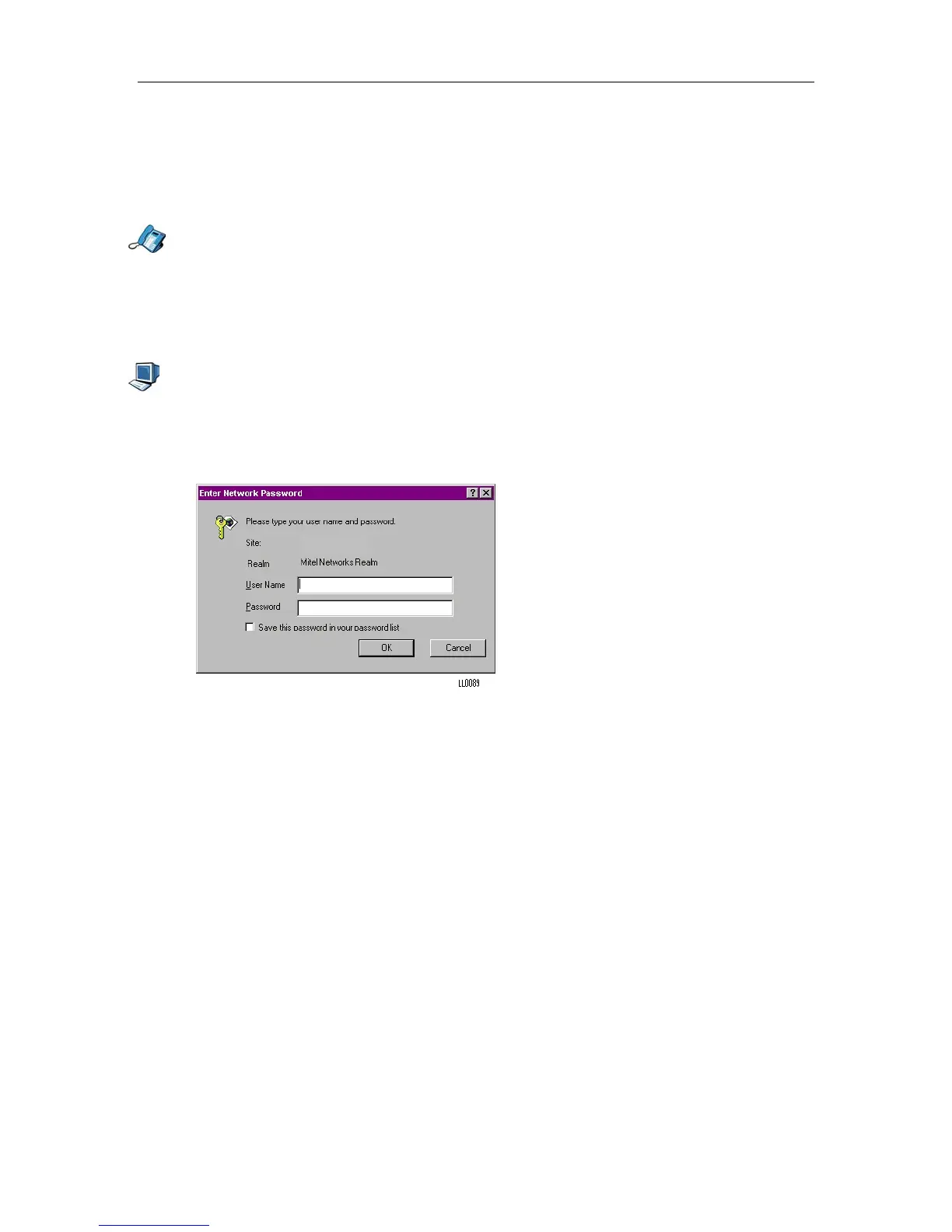
3. Enter your SIP Phone's IP address in your browser's URL or Address field. The login
screen for the Web Configuration Tool appears.
Figure 4 Web Configuration Tool Login Screen
192.168.xx.xx
4. Enter your user profile user name and password in the appropriate fields.
5. Click the OK button. The home page of the Web Configuration Tool is loaded.



 To Next Page