Appendix B — Web Configuration Tool
- 69 -
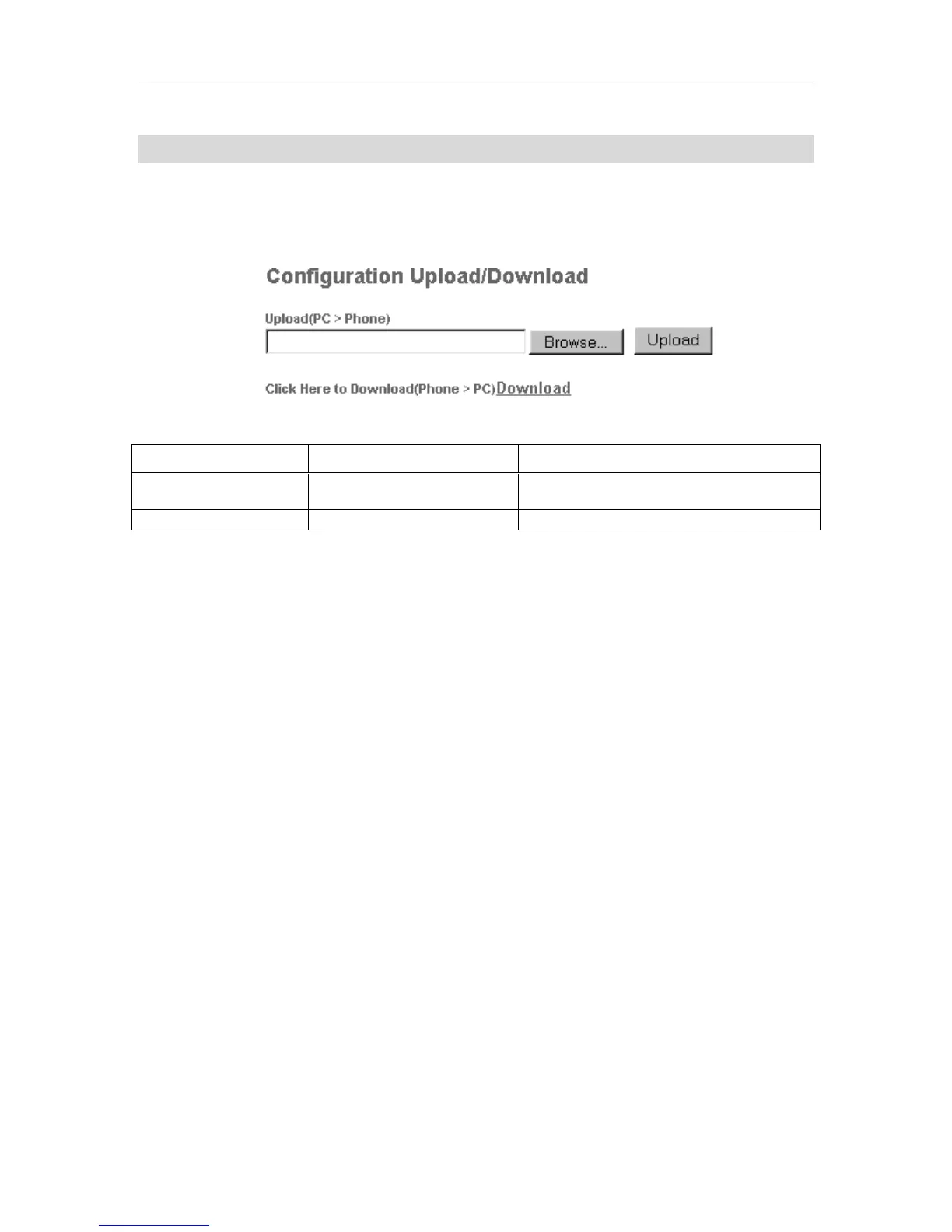
Configuration Upload/Download Page
The Configuration Upload/Download page lets you save the phone configuration file on your
PC, or load a previously stored phone configuration file into your 5055 SIP phone.
Figure 21 Web Configuration Tool: Configuration Upload/Download Page
Table 21 Web Configuration Tool: Configuration Upload/Download
Setting Name Values (bold = default) Notes
Configuration Upload File name
Use the Browse Button to locate a saved
configuration file.
Download Saves a configuration file on disk
Note: The phone configuration restore command does not restore passwords. If you have
changed you passwords from their system-default values, and saved the phone
configuration, then restoring this configuration to either a different phone, or the
original phone one after it’s had its factory default values restored, will not restore
these passwords to their original state.



 To Next Page