5055 SIP Phone User Guide (Rev. A)
- 66 -
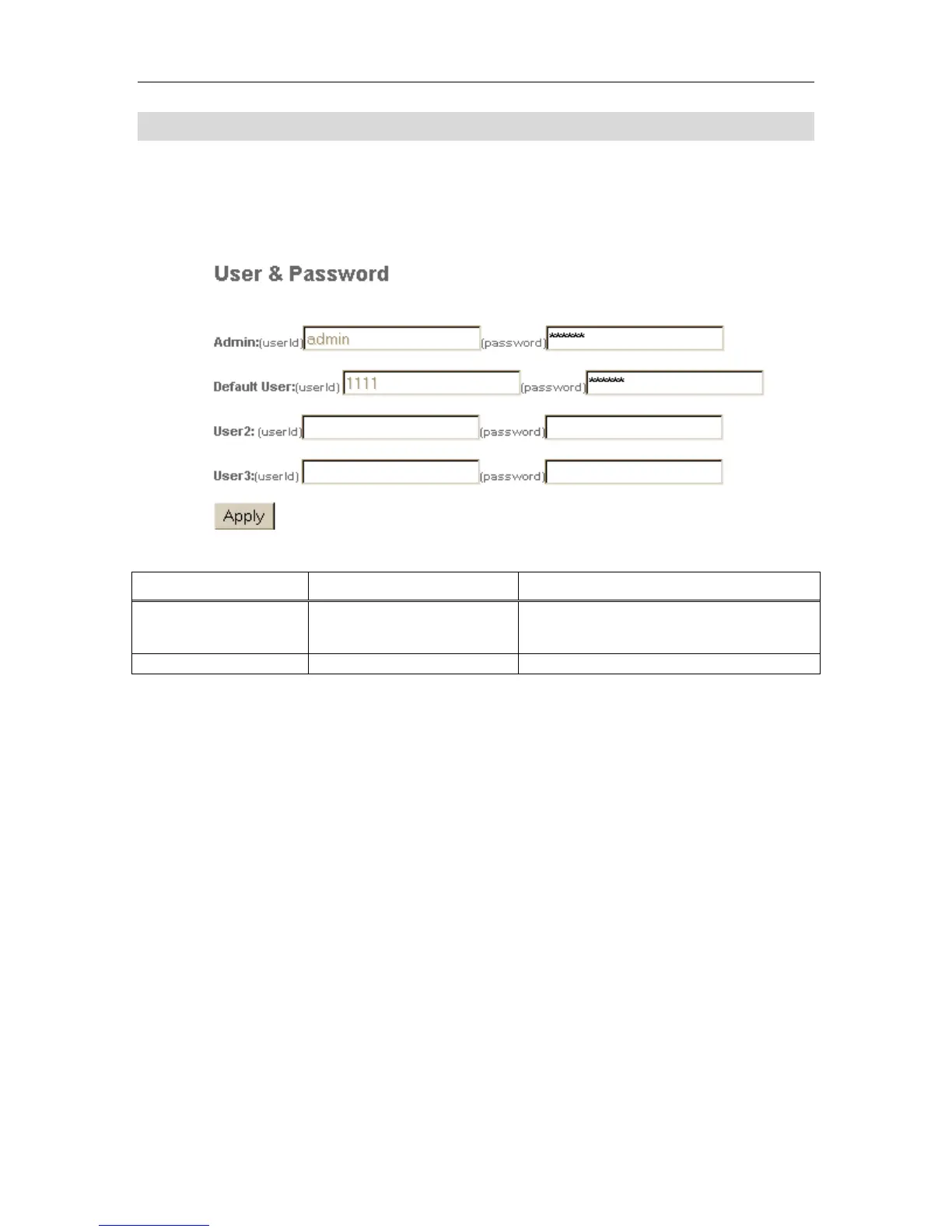
Users & Passwords Page
The Security Configuration Page lets the administrator change the passwords for the user
profiles and the administrator. This page can only be accessed using the Administrator user
name and password. After making the changes, click the Apply button.
Figure 18 Web Configuration Tool: Users & Passwords Page
Table 18 Web Configuration Tool: Users & Passwords Settings
Setting Name Values (bold = default) Notes
User ID As programmed.
Cannot change this value here. Defaults are
admin for Administrator, and user for
default user profile.
Password Change as needed.
Default is 5055 for Administrator.



 To Next Page