5055 SIP Phone User Guide (Rev. A)
- 50 -
Phone Book Page
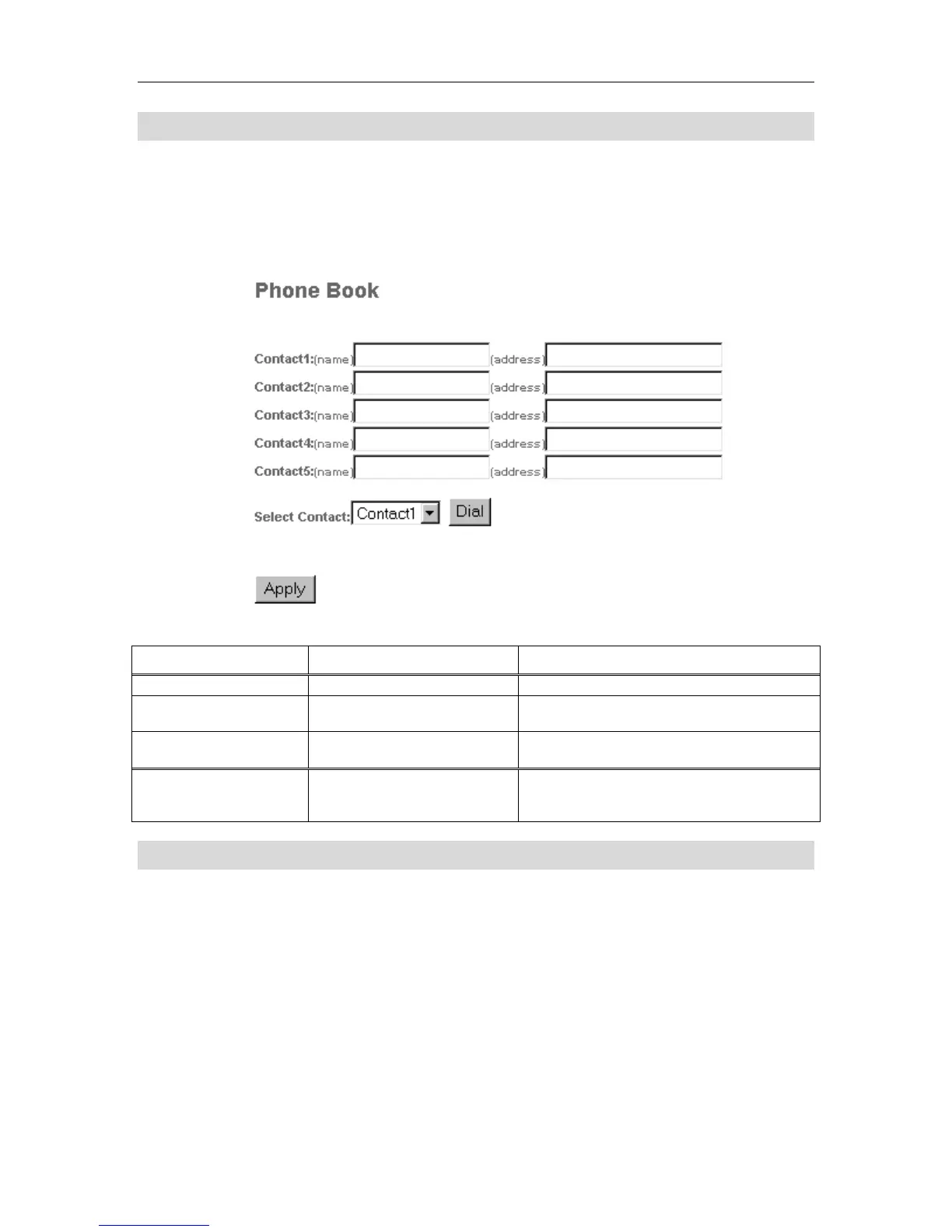
The Phone Book page lets you define up to five contacts for your user profile’s Phone Book.
You can also dial any of the contacts from this page. Click the Apply button after making any
changes to your contacts. To dial a contact, select it in the drop down menu, and click the
Dial button.
Figure 9 Web Configuration Tool: Phone Book Page
Table 7 Web Configuration Tool: Phone Book Settings
Setting Name Values (bold = default) Notes
Contact n
Name
<name or nickname of the
contact>
Limit of 20 characters.
Address
<number> | <name> |
sip:<URL>
Limit of 128 characters.
Select Contact
Contact 1 | Contact 2 |
Contact 3 | Contact 4 |
Contact 5
Dial by URL Page
The Dial by URL page lets you dial a URL or IP address from the Web Configuration Tool. Click
the Dial button to dial the URL. To save the SIP URL so that you need not re-enter it in the future,
click the Apply button.



 To Next Page