Appendix B — Web Configuration Tool
- 51 -
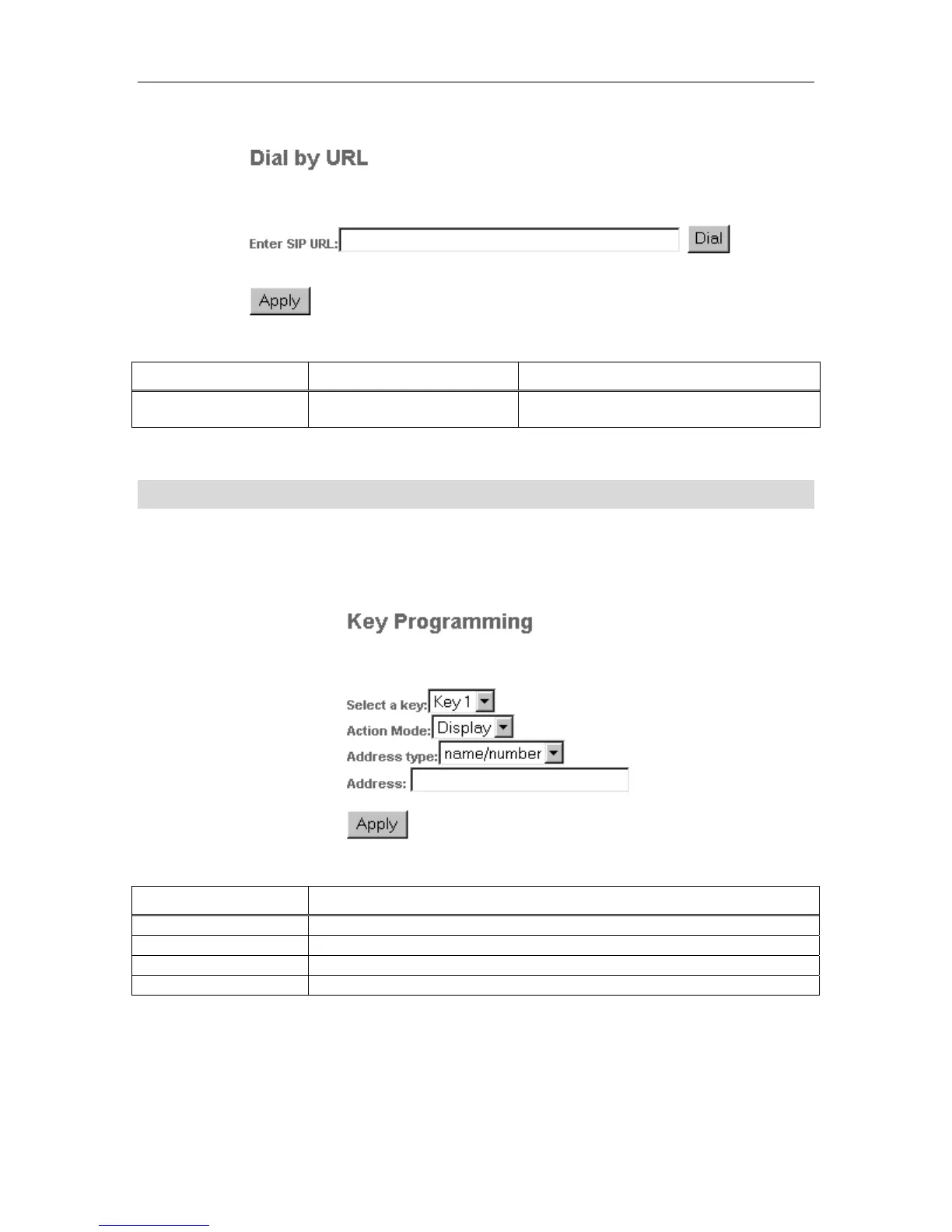
Figure 10 Web Configuration Tool: Dial by URL Page
Table 8 Web Configuration Tool: Dial by URL Settings
Setting Name Values (bold = default) Notes
Enter SIP URL
<number> | <name> |
sip:<URL>
A URL must be preceded by “sip:”. Limit of
128 characters.
For examples of SIP URL syntax, refer to the table on the last page of this guide.
Key Programming Page
The Key Programming page lets you assign an address to one of the seven programmable
speed-call keys. An address can be a name, number or URL.
Figure 11 Web Configuration Tool: Key Programming Page
Table 9 Web Configuration Tool: Key Programming Settings
Setting Name Notes
Select a key Lets you select the key to be programmed (key 1, is the bottom-left key)
Action Mode
Display lists the key assignment. Update lets you change it.
Address Type You must select the address type before entering it.
Address Enter the address here.



 To Next Page