20/1531-ASP11301 Uen B5 2017-03-23 34
I
NSTALLING CABINET
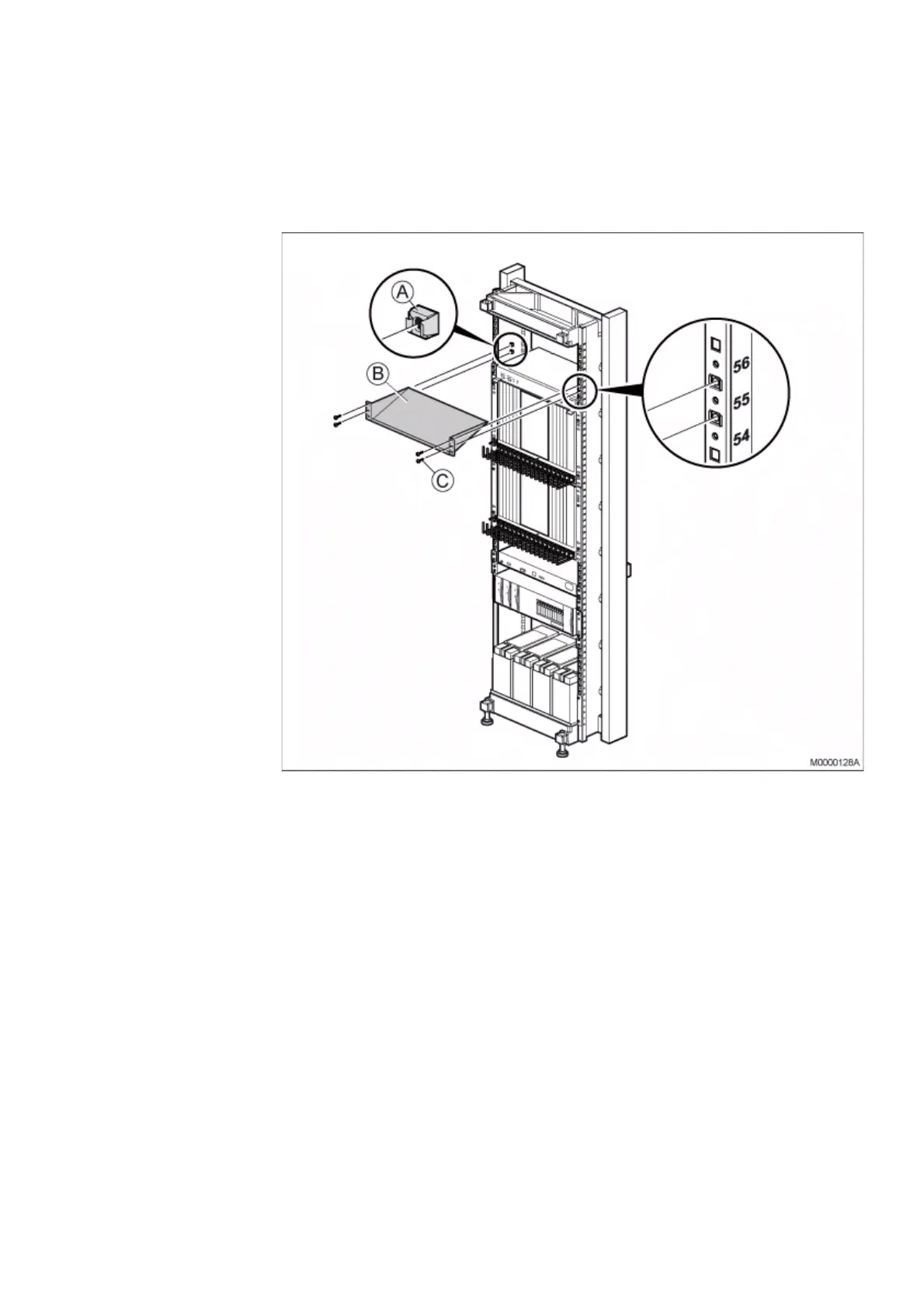
2.7.1 INSTALLING UPPER AIR PLATE
Note: The upper air plate is only mandatory if hardware will be installed above the fan
unit.
To install the upper air plate, perform the following steps:
Figure 27: Installing Upper Air Plate
1. Mount four captive nuts (A) (see 2.3 Installing Supporting Captive Nuts on page
18) according to the number positions shown.
2. Fasten the air plate (B) to the four captive nuts in the cabinet using the four
screws (C).



 To Next Page