UC360 Administration Guide
Launching Settings
1. Press to display the Menu bar.
2. Press Settings .
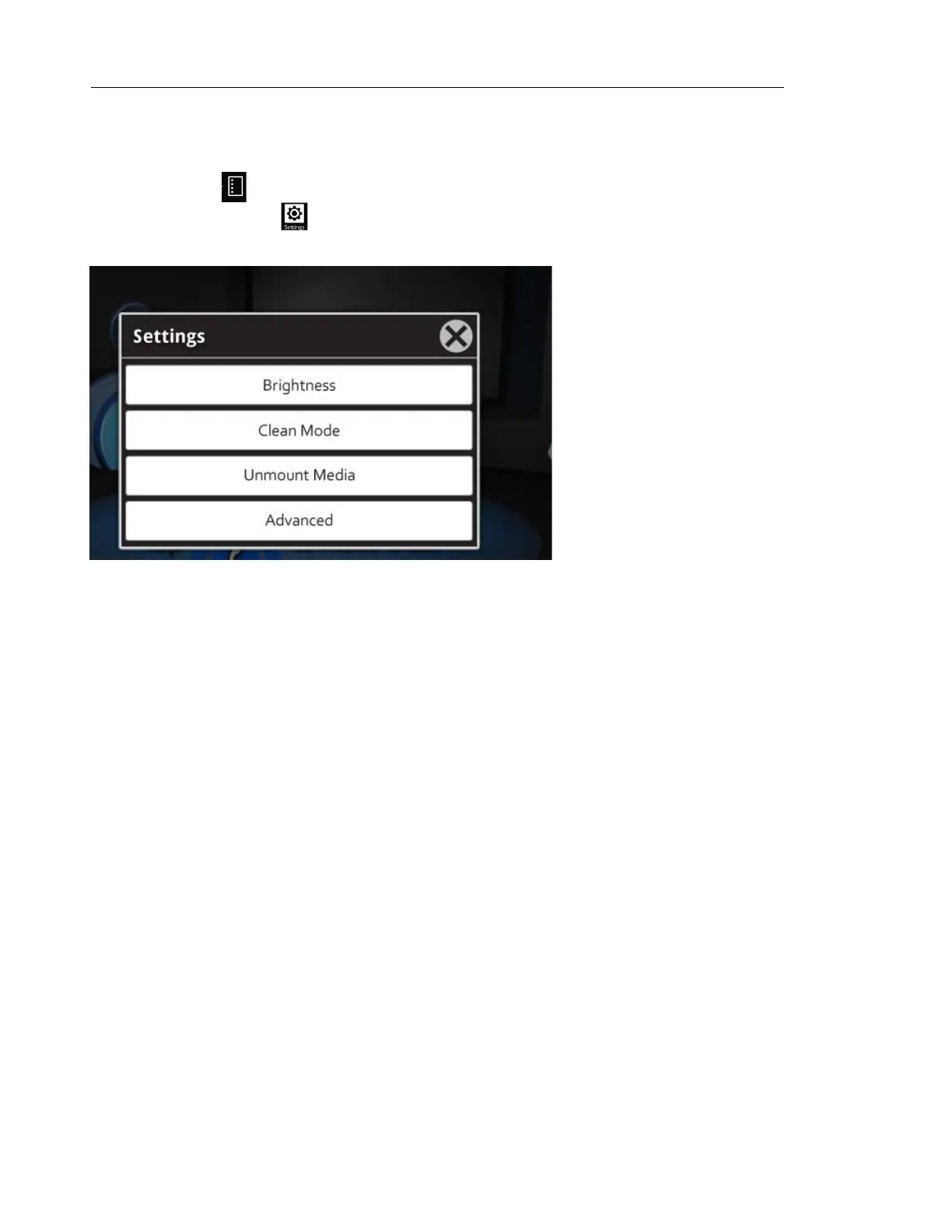
The following screen is displayed:
Refer to the UC360 User Guide for details on adjusting the brightness, cleaning the UC360
screen, and unmounting media.
For Advanced settings, see “Advanced Settings” on page 9.



 To Next Page