UC360 Administration Guide
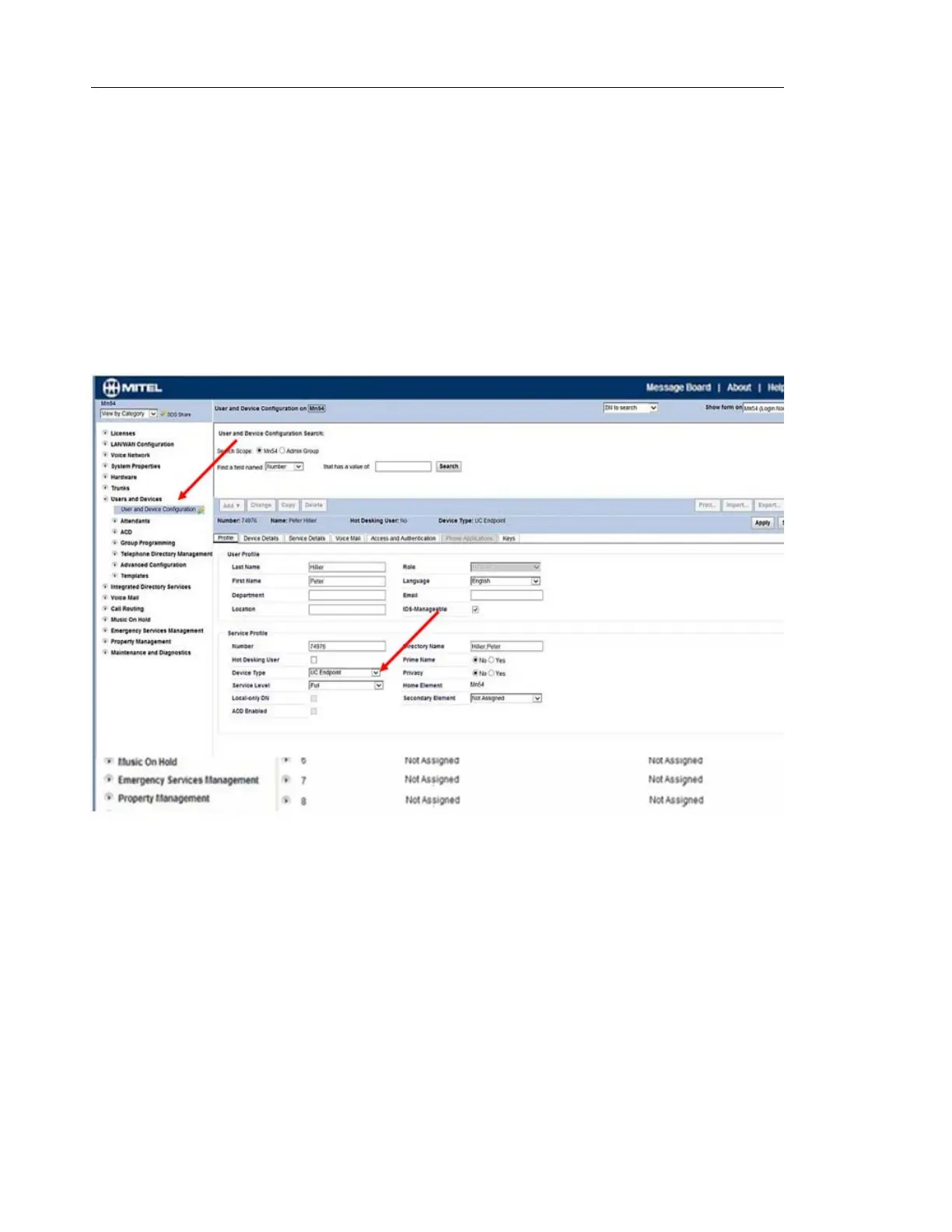
User and Device Configuration
1. Configure the UC360 as an Endpoint on the MCD under the Profile tab.
2. Fill in the following fields:
- Last Name: Enter the last name
- First Name: Enter the first name
- Number: The DN Number. This number should be the same as the one configured
in “Login Name” under “SIP Settings” in the UC360.
- Device Type: UC Endpoint



 To Next Page