UC360 Administration Guide
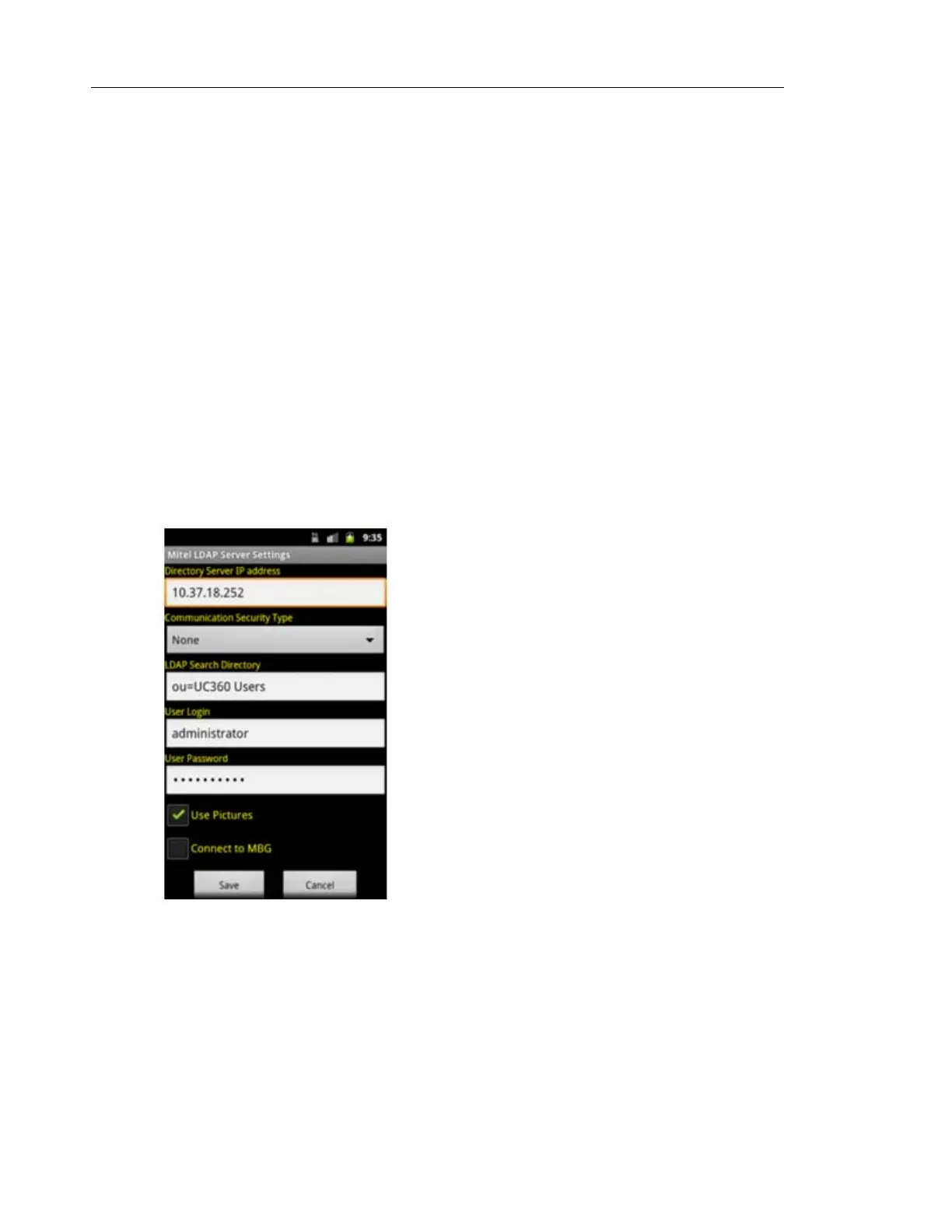
Enable/Disable Connect to MBG
There is a connection between the UC360 and the Active Directory via the MiVoice Border
Gateway server for Mitel security purposes.
• Select the Connect to MBG option to connect to the MiVoice Border Gateway server.
• The MiVoice Border Gateway server IP address must be programmed. For more details,
see “UC360 Used as Teleworker” on page 56.
MBG configuration is required if using MBG. See the MiVoice Business (MBG) On-line Help.
LDAP Search Directory
The LDAP Search directory field can be programmed using LDAP attributes to search for the
specific directories or using wildcard * to search for all directories. See the examples below.
• Search for the list in directory UC360 Users — Use ou=UC360 Users
• Search for the list in directory NA -> Users Accounts — Use ou=User Accounts,ou=NA
• Search for the list in all directories — Use *



 To Next Page