5000 CP Configuration for the UC360
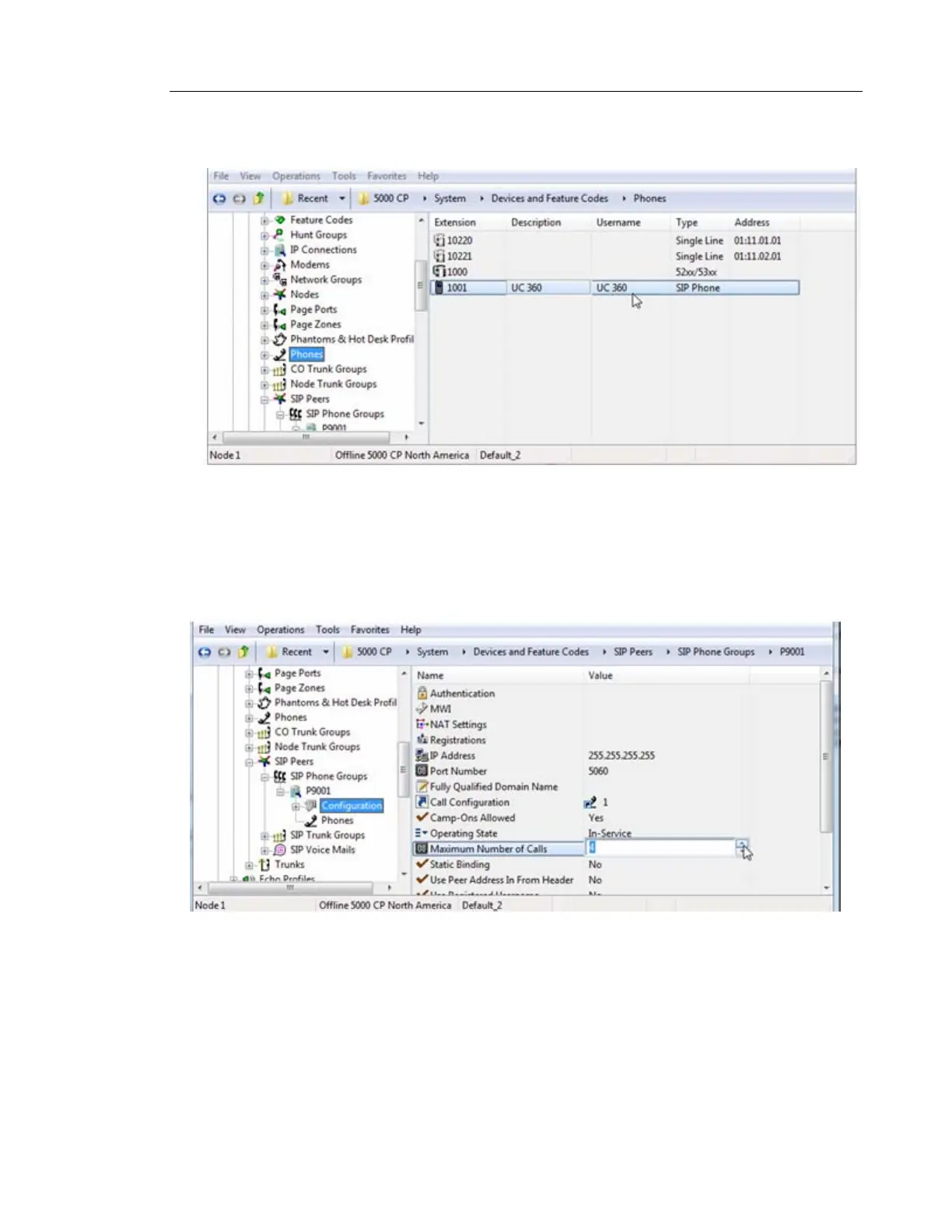
5. In the right-side pane, configure the SIP phone settings that would normally be configured
for other types of telephones to allow outgoing access.
6. After creating the SIP phone, the 5000 Database Programming automatically creates a
SIP Phone Group with a default configuration profile.
7. Go to System -> Devices and Feature Codes -> SIP Peers -> SIP Phone Groups/<the
SIP Phone group> ->Configuration. The <SIP Phone group> in the example below is
P9001
8. In the right-side pane, click Maximum Number of Calls, and select 4 from the adjacent
drop-down list. No other changes are required under this profile.



 To Next Page