www.miinet.comMoore Industries-International, Inc.
- 77 -
User’s Manual
224-790-00K
May 2018
Programmable Limit Alarm Trips
SPA
2
SECTION 5
Note: Once you have configured all parameters, download to the unit by selecting “Download” in the
Transfer dropdown menu located in the Status Bar. Or, click the button in the Tool Bar.
You may also use the Quick Set feature to congure your Custom Curve parameters and download
the settings.
Congure your parameters and click the Quick Set button in the window.
Note: When the Custom Curve feature is enabled for your unit, the SPA
2
will display “CC” in the
lower left corner of its LCD.
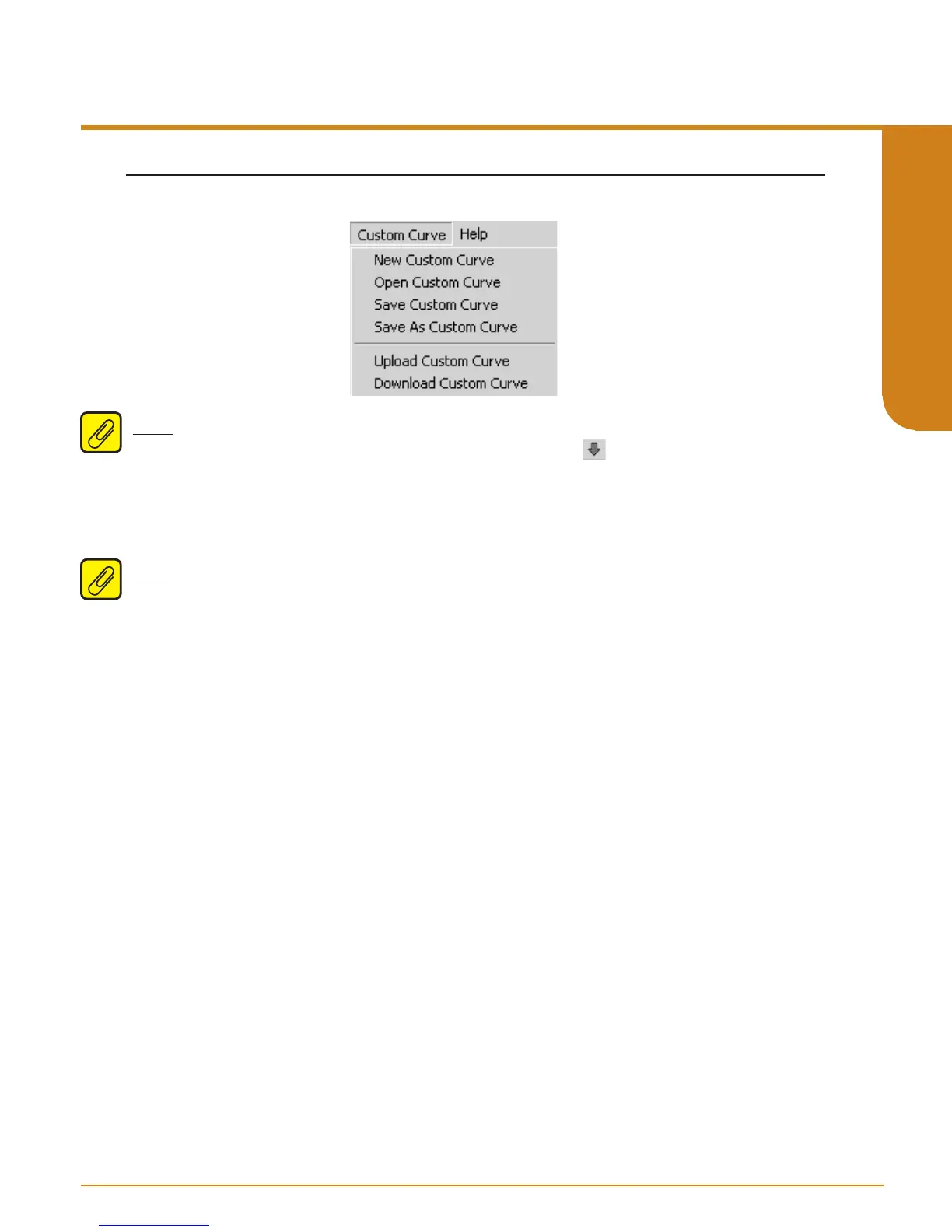
Figure 5.12. Custom Curve Dropdown Menu


 To Next Page