20
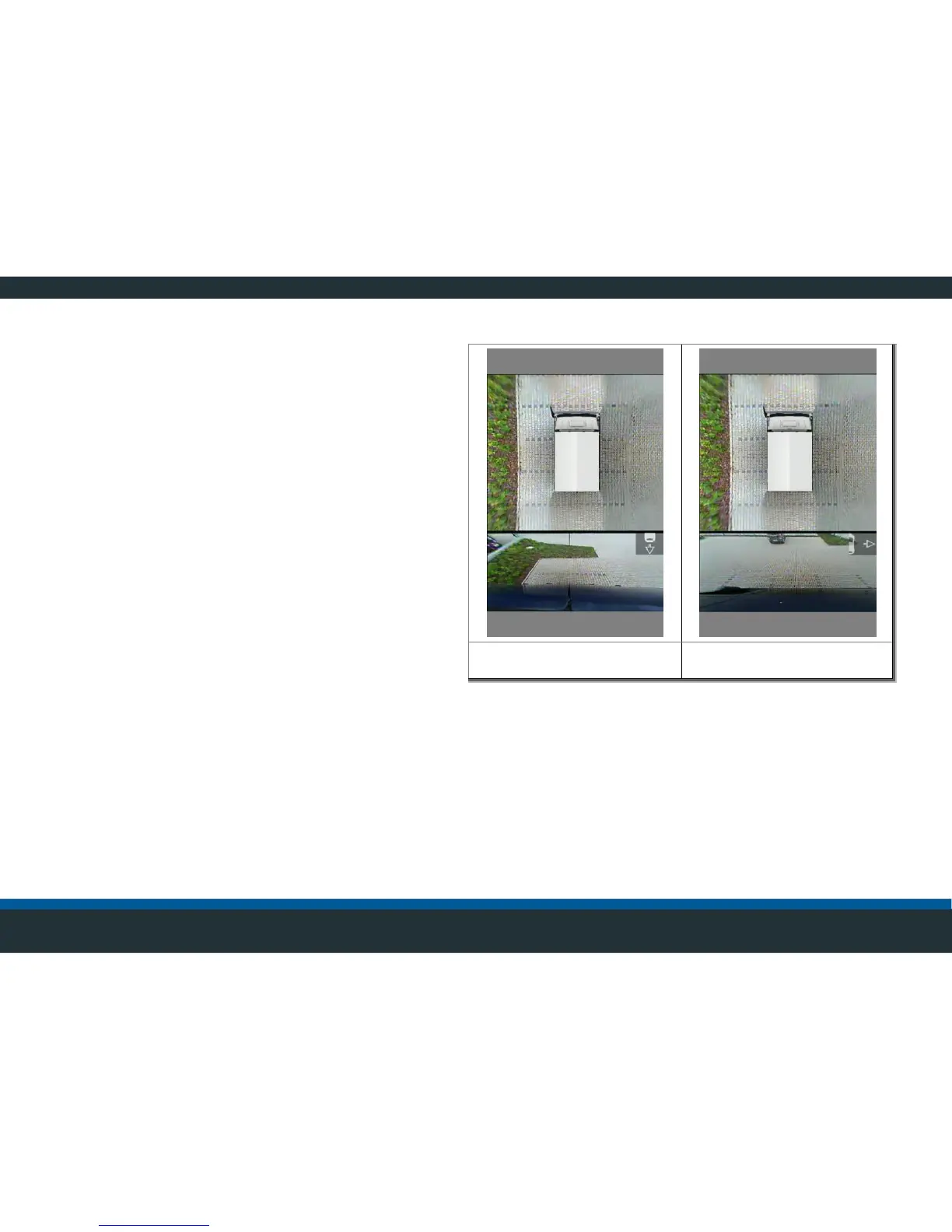
Split screen views
The video control unit has four control inputs that can be
configured at random.
A particular display mode can be assigned to each control
input. In addition to the top view, individual cameras can
also be displayed in a split screen view or as a full screen.
For this purpose, the control inputs are connected to the
corresponding signals from the vehicle’s electrical system
(e.g., reverse gear, indicators, etc.).
: Split screen view (examples)
If the relevant inputs are subsequently activated by
engaging the reverse gear or turning on the indicator, the
video control unit automatically switches to the
corresponding image.



 To Next Page