22
Troubleshooting
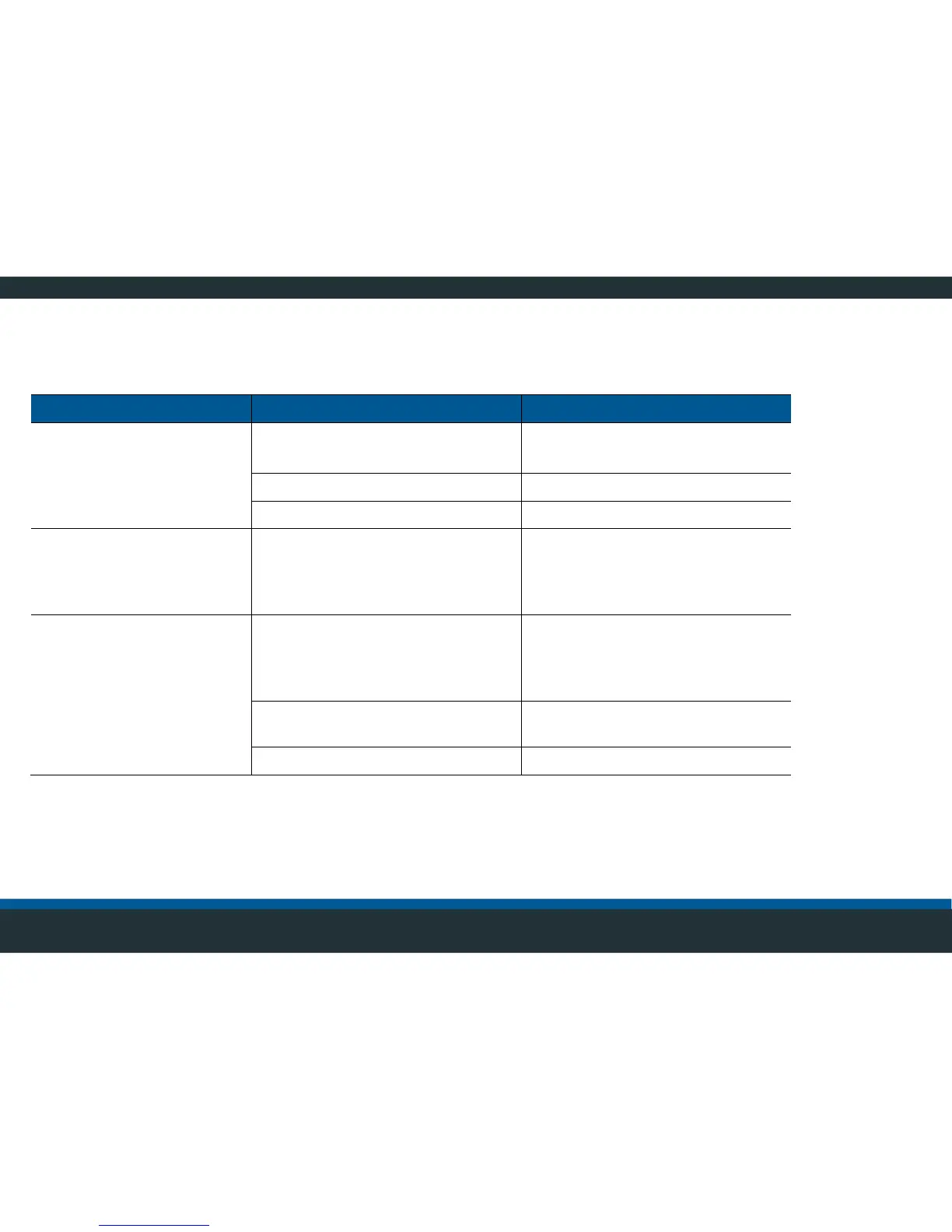
Hardware
Power supply not available.
Turn on power supply.
Check fuse, replace as required.
Power supply cable defective.
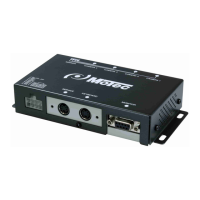
Video control unit defective.
Replace video control unit.
Monitor display not
available
The green LEDs on the video
control unit are not lit
Video control unit is not activated.
Activate the power supply.
Monitor display not
available
The green LEDs on the video
control unit are lit
Loose connectors, monitor cable
defective.
Check the monitor cable and
connector for damage or tight fit.
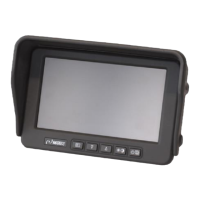
Check monitor for function, replace
if necessary.
Video control unit defective.
Replace video control unit.



 To Next Page