23
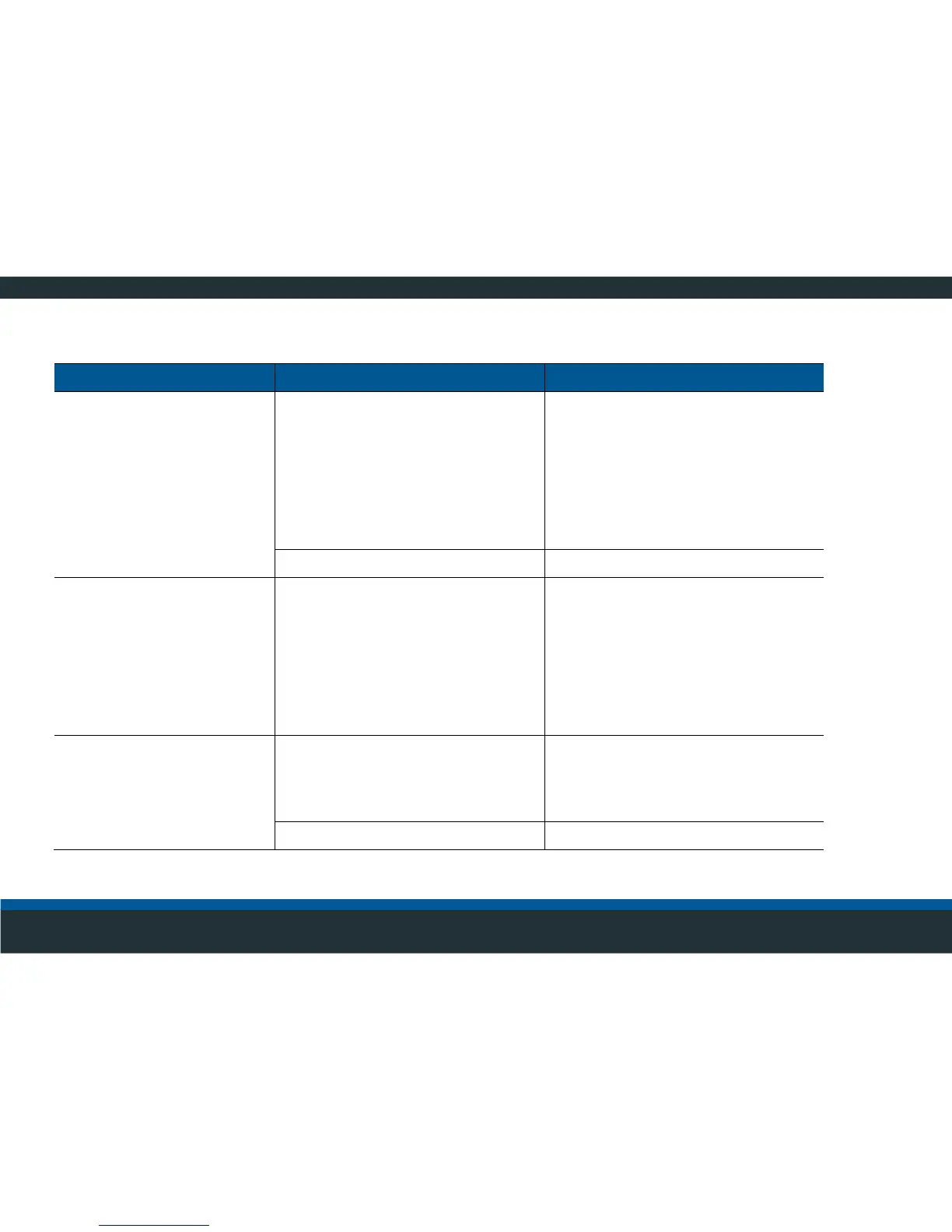
Malfunctions during operation
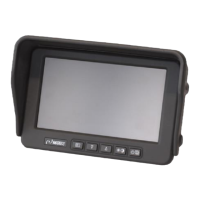
No video signal on monitor, loose
connector, monitor cable defective.
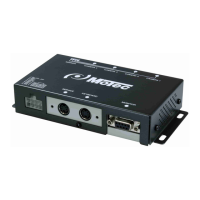
Check cable connection between
video control unit and monitor,
replace defective cables.
Check the connector for tight fit,
tighten the union nuts of the
connector on the video control unit
hand-tight, and latch flap into place
on the side of the monitor
Video control unit defective.
Replace video control unit.
Entire image disappears
temporarily
Loose contact or defective cable.
Check cable connection between
video control unit and monitor,
replace defective cables.
Check the connector for tight fit,
tighten the union nuts of the
connector on the video control unit
hand-tight, and latch flap into place
on the side of the monitor
Part of the image is blue
Video signal of the affected camera
is not available on the video control
unit.
Check cable connection between
video control unit and camera,
replace defective cables.
Check plug connector for tight fit.



 To Next Page