Page 18
Fig 2 - GPS Mode - ADC
ADJUSTABLE DISTANCE CONTROL
Adjustable Distance Control
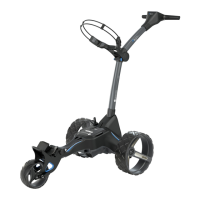
The trolley features an easy to use Adjustable Distance Control (ADC) function which will allow you
to send your trolley ahead of you from 5 - 60 yards or metres. The speed setting will automatically
change to speed 5 during the ADC setting process.
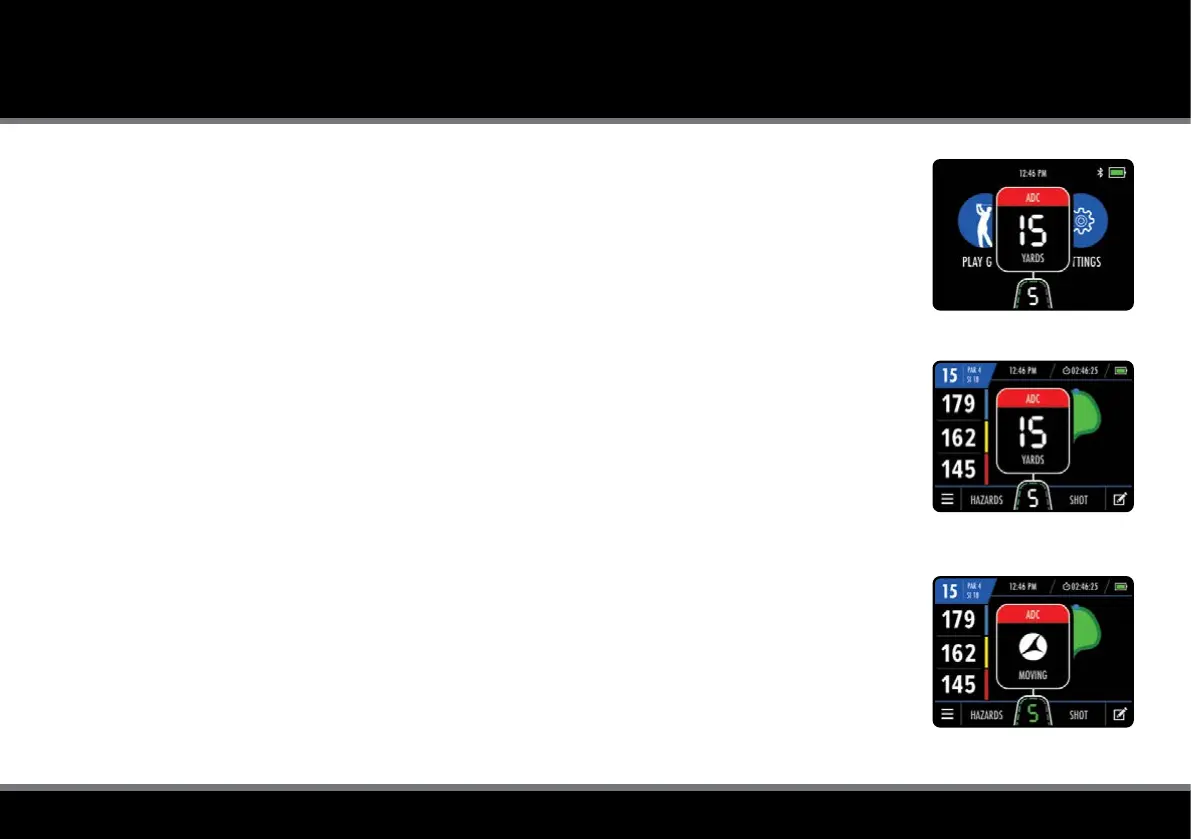
1. While stationary, hold down the 'On/Off' button for 2 seconds (the speed will change to 5)
2. The ADC settings box will appear and indicate ‘15 YARDS/METRES' (g. 1 & g. 2)
3. Rotate the 'On/Off' button clockwise to increase the distance and anti-clockwise to decrease
4. Press the 'On/Off' button to start the trolley moving
Whilst the trolley is running under ADC mode, the Motocaddy symbol will be displayed within the
ADC settings box and rotate until the desired distance is reached (g. 3). The M-TECH's inbuilt DHC
functionality will automatically apply the parking brake once the trolley has reached the desired
distance and stopped. The trolley can be manually stopped by pressing the 'On/Off' button once.
In the unlikely event that your trolley fails to register distance whilst in ADC mode, the trolley will cut
power to the motor to prevent the trolley from travelling too far. The trolley can be reset by pressing
the 'On/Off' button once, thereby allowing you to continue to use the trolley with ADC disabled until
you are able to contact our Technical Support team.
Fig 1 - Home - ADC
Fig 3 - GPS Mode - ADC Moving



 To Next Page