Page 29
NOTIFICATION SETTINGS / NOTIFICATION STACKING
Notication Settings
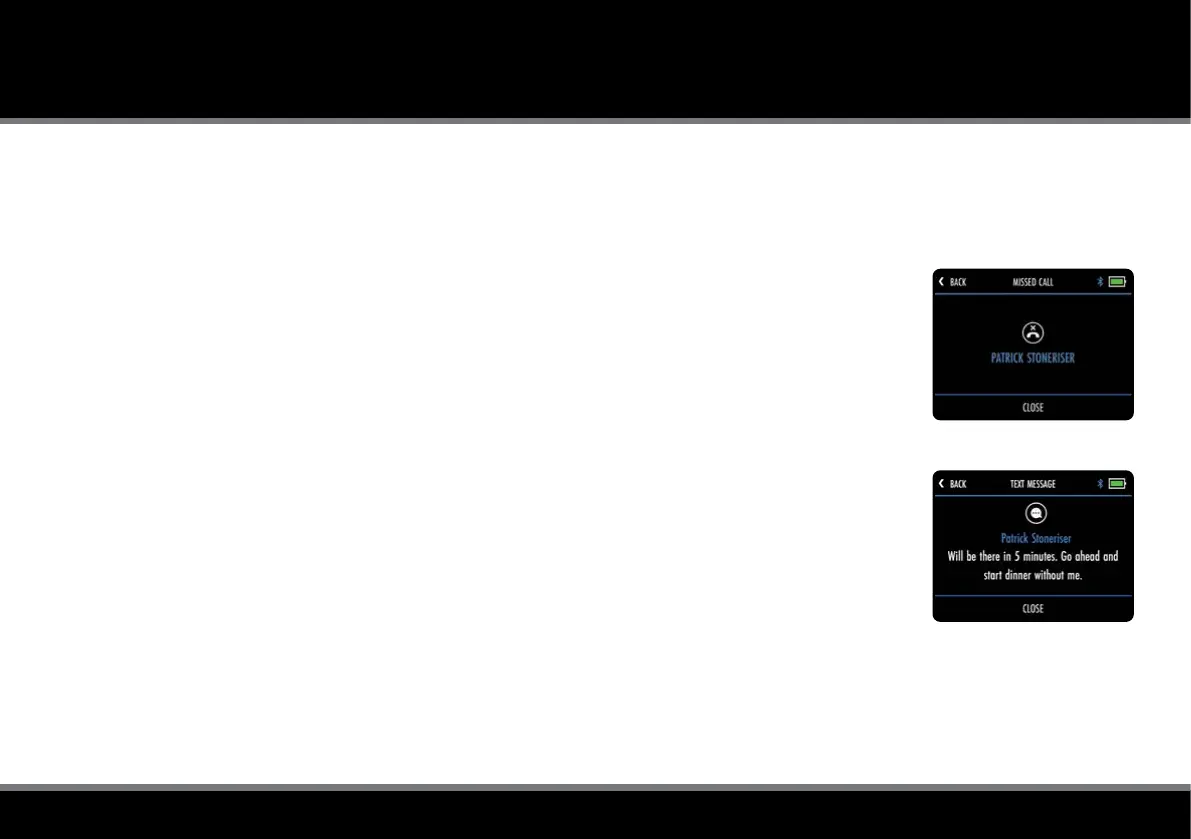
It is possible to pre-set which smartphone notication types are displayed on the trolley screen
(g. 1 & g. 2) using the device ‘Settings’ menu within the Motocaddy app.
There are also other app specic notication settings within your phone that need to be enabled for the
notications to be displayed on your trolley.
For a full list of compatible apps, plus individual app notication settings (including ‘Push Notications’),
please visit www.motocaddy.com/support/m-tech.
Notication Stacking
Notications will be displayed in chronological order, with the oldest notication displayed at the top.
Once viewed, notications can be closed by selecting "Close" or tapping "Back" to exit without clearing.
When multiple notications are available, selecting "Close" will hide the current notication and display
the next alert.
Fig 1 - Missed Call
Fig 2 - Text Message



 To Next Page