If… Then…
If using the Rapid De-
ployment Carry Case,
perform the following actions:
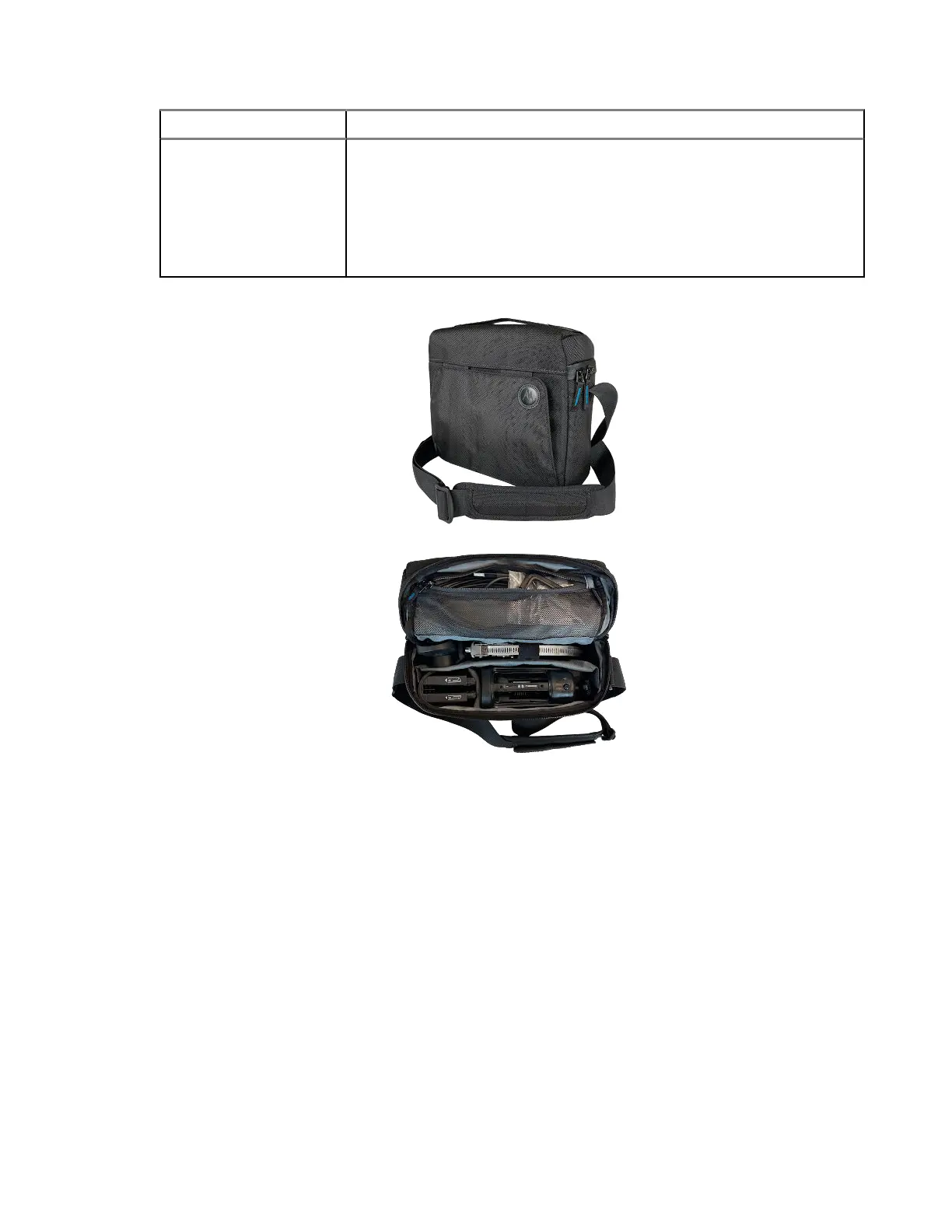
a. Place the camera and accessories into the case.
b. Zip the case closed to secure the items.
c. Adjust the strap for comfort and stability while using a ladder.
d. Proceed to the camera installation site when ready.
Figure 10: Quick Deployment Carry Case
MN010089A01-AD
Chapter 2: Pre-Installation
43


 To Next Page