8 Settings via the MICT
46 Rev. 08/2018
8.6 Online Update Settings
The MICT uses data from various databases for the configuration. Such data can be updated with
automatic online updates. The settings for the update can be entered with the following entry in
the menu bar:
Settings -> Online update settings
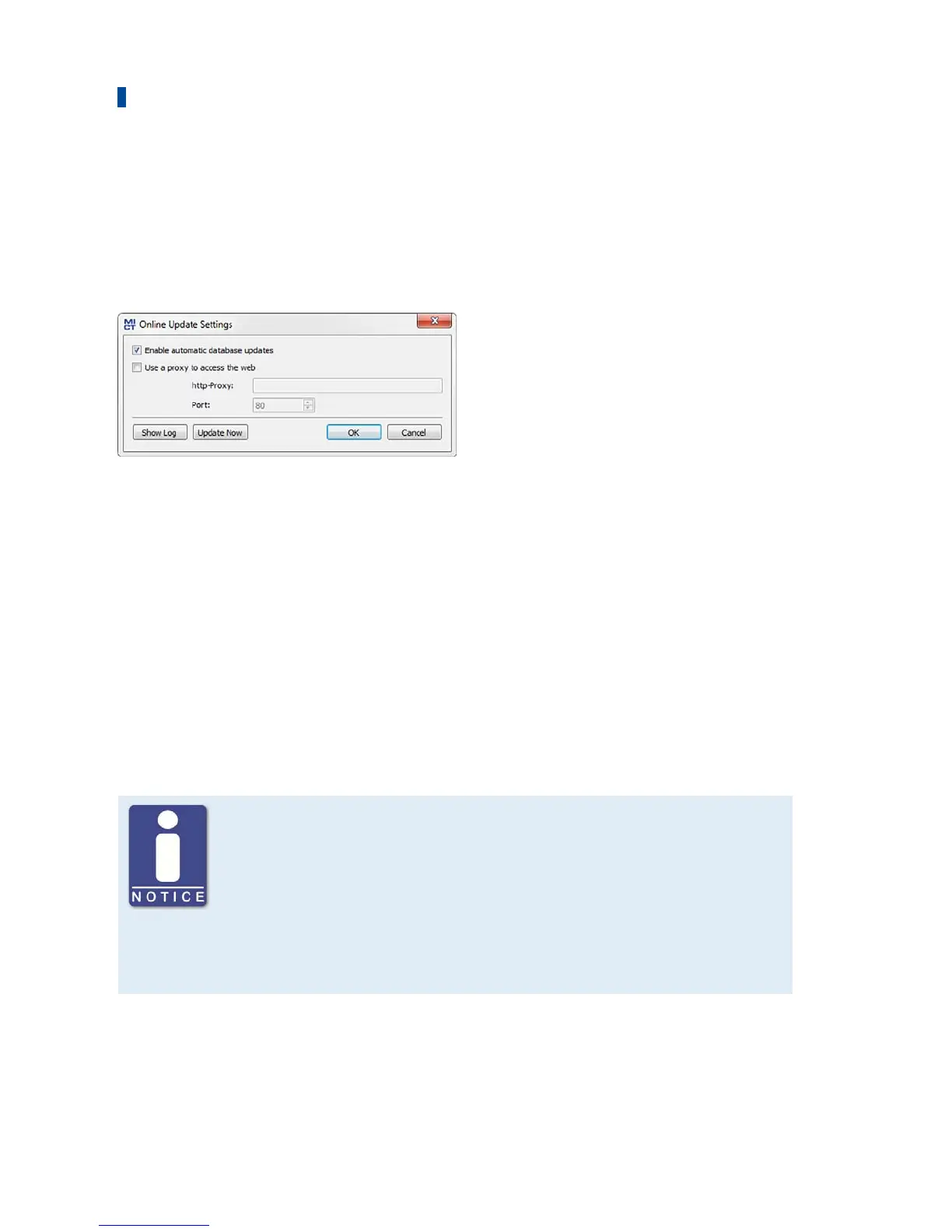
You have the following options:
– Enable automatic database updates
Using the check box, you can enable and disable automatic online updates. As the default
setting, the online update is activated and is executed daily (if an internet connection is
established) at first start-up of the MICT.
– Use a proxy to access the web
Use the checkbox to activate settings for internet access via a proxy server, which you can
then set up by entering http-Proxy and Port.
– Show Log
With this button, you can open a window in which the online updates performed are logged.
– Update Now
With this button, you manually start an online update.
Online update
After the online update, the updated data will only be used if these have
been downloaded onto the device. However, this requires the relevant
authorization.
Whenever the configuration is uploaded from the device, the version of the
configuration saved in the device will be compared with the version in the
database. If the two versions are not the same, a window with additional
instructions will open up.



 To Next Page