9 Operation
74 Rev. 08/2018
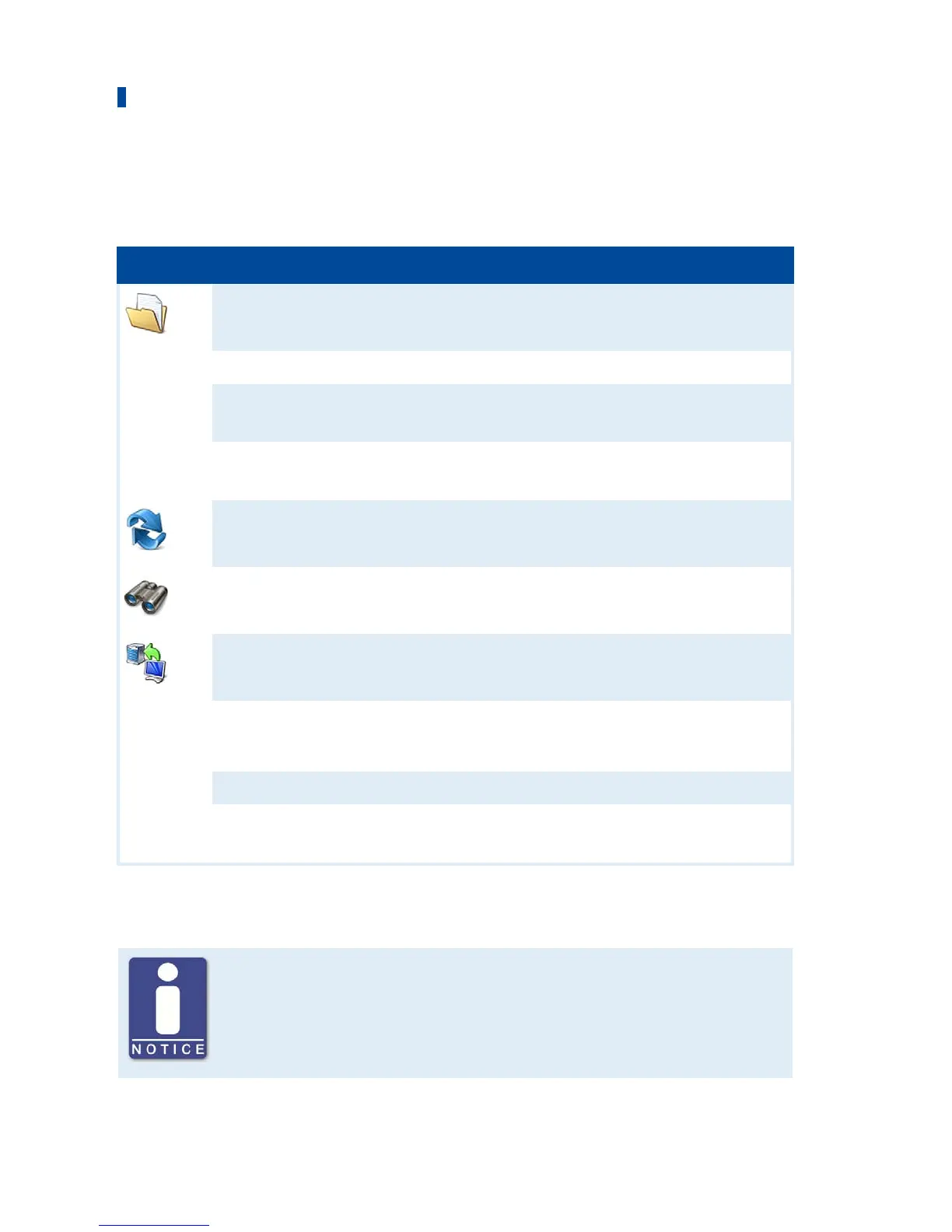
Menu Bar and Toolbar
After launching the MOTORTECH Flash Tool, the following functions are available to you via the
icons on the toolbar and the entries in the menu bar:
Symbol Menu Function
File -> Open
Opens a firmware file.
File -> Quit
Exits the program.
View -> Extended file information
view
Fades in / out additional information of the
firmware file.
View -> Extended connection
settings
Fades in / out additional information and
settings of the connection to the device.
View -> Reload file
Reloads the file information of the selected
firmware file.
Device -> Search devices
Restarts the search for connected devices.
Device -> Flash device
Starts the update process or downgrade
process.
Settings -> Language
Opens the window Select Language in
which you can change the interface
language of the program.
Help -> Help
Opens the online help function.
Help -> About MOTORTECH Flash
Tool
Opens detailed information on the
program.
Start Firmware Update
Access control for firmware update
If you have activated the access control for the device, you need the PIN for
the level Master for the firmware update. For more information read the
section Access Control of the Stepper Motor Driver on page 47.


 To Next Page