CHAPTER
35
6 4pre Front Panel Operation
OVERVIEW
The 4pre offers front-panel mixing via six rotary
encoders and a bank of status LEDs.
Push-button rotary encoders . . . . . . . . . . . . . . . . . . . . . . . . 35
Power switch . . . . . . . . . . . . . . . . . . . . . . . . . . . . . . . . . . . . . . . . 35
Phones. . . . . . . . . . . . . . . . . . . . . . . . . . . . . . . . . . . . . . . . . . . . . . . 35
Main out volume . . . . . . . . . . . . . . . . . . . . . . . . . . . . . . . . . . . . 35
Mixing with the front panel controls. . . . . . . . . . . . . . . . . 36
Visual feedback when adjusting mix controls . . . . . . . 38
Metering and activity LEDs . . . . . . . . . . . . . . . . . . . . . . . . . . 38
Restoring factory defaults . . . . . . . . . . . . . . . . . . . . . . . . . . . 38
PUSH-BUTTON ROTARY ENCODERS
All of the knobs on the 4pre front panel are push-
button digital rotary encoders. In many cases, you
can either push the knob, hold it in, or turn it to
make a setting.
POWER SWITCH
Push the PHONES knob to power on the 4pre.
Push in and hold the knob to turn it off.
MAIN OUT VOLUME
Use the MAIN knob to control the volume of the
main outputs (1-2) on the back panel. This knob
also controls the volume of the headphone jack
below it, which always mirrors the main outs.
As you turn the MAIN knob to adjust volume, the
MAIN OUT ladder LEDs (Figure 6-1) provide
visual feedback.
PHONES
Use the PHONES knob (Figure 6-1) to control the
volume of the independent headphone jack below
it. As you turn the knob, the MAIN OUT ladder
LEDs provide visual feedback.
From the factory, the PHONES jack mirrors the
main outs, just like the MAIN phone jack, but the
PHONES jack can be programmed to mirror any
other output pair (digital or analog). See “Phones
Assign” on page 34.
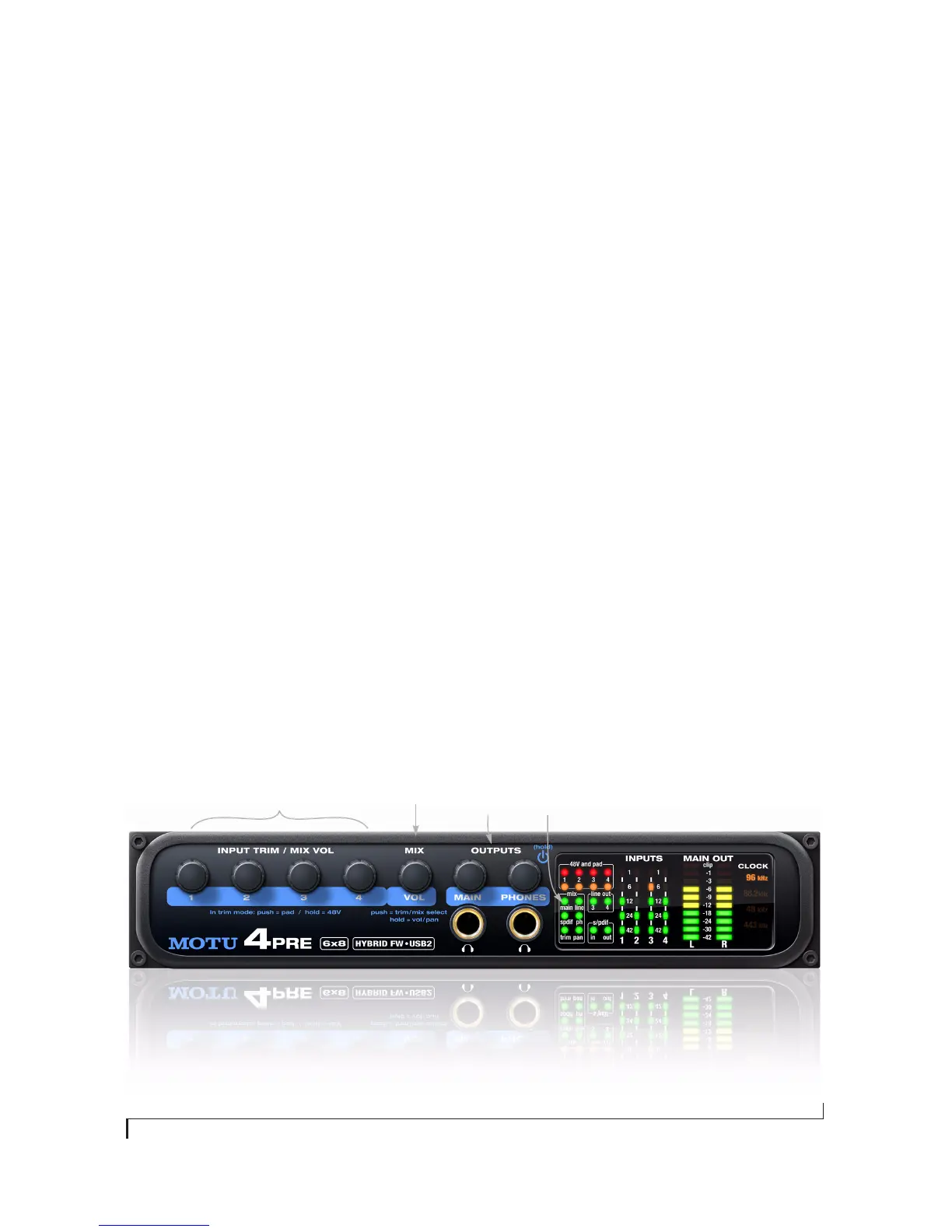
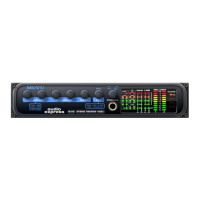
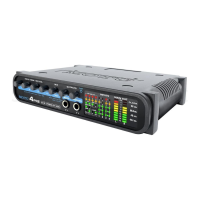
Figure 6-1: The 4pre front panel.
Input controls Mix volume Current
mix
Output
volume


 To Next Page