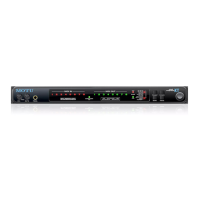
MOTU SMPTE CONSOLE
78
SYNCING TO SMPTE TIME CODE
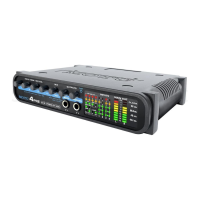
The 4pre system can resolve directly to SMPTE
time code. It can also generate time code, under its
own clock or while slaving to time code. Therefore,
the 4pre can act both as an audio interface and as a
SMPTE time code synchronizer to which you can
slave other devices. You can use the 4pre to slave
your audio software to SMPTE as well, via sample-
accurate sync (if your host software supports it).
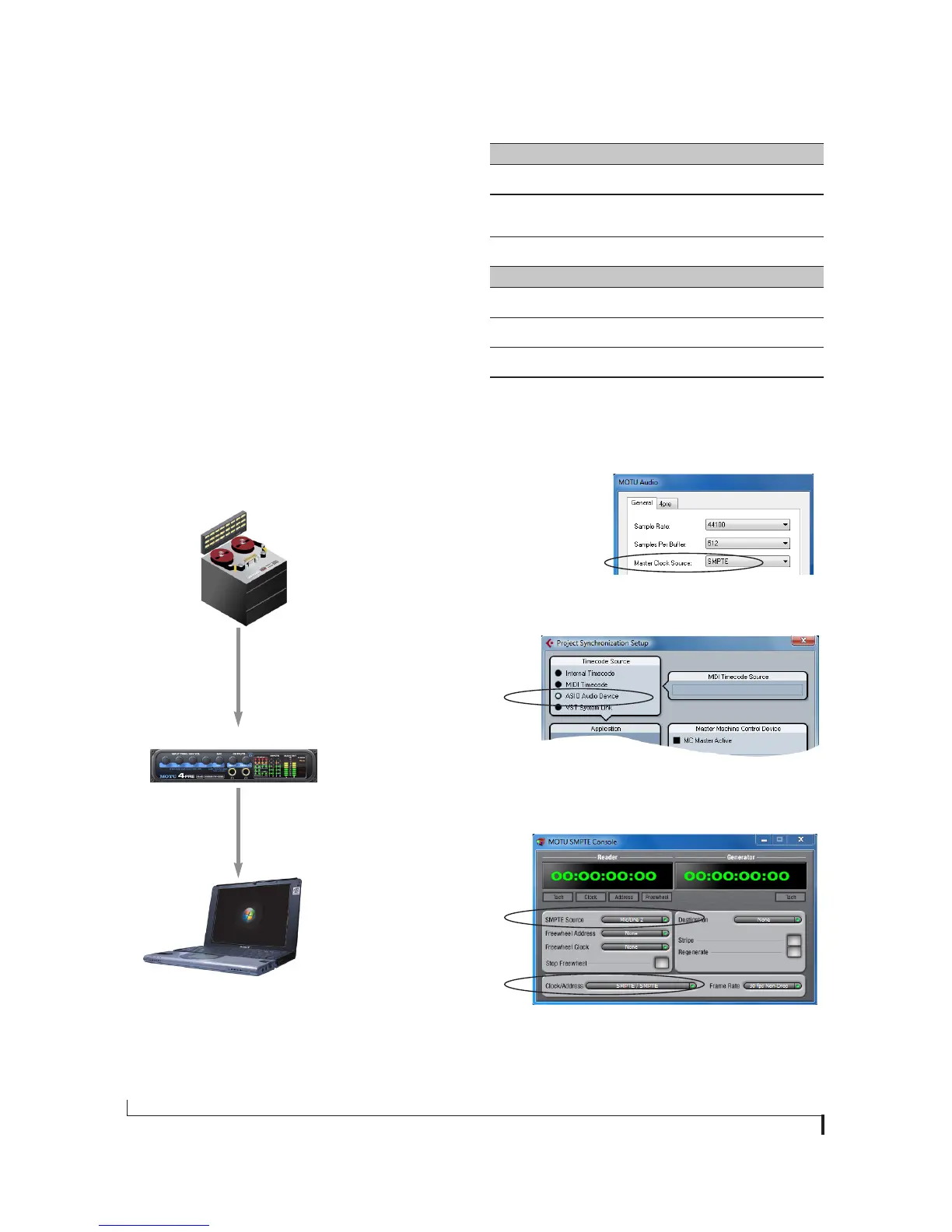
Figure 10-3: Connections for synchronizing the
4pre directly to SMPTE time code.
Choose SMPTE as the clock source in MOTU
Audio Setup. This setting can also be made in
the MOTU SMPTE Console (shown below).
SMPTE
time code
source
audio cable bearing LTC
(Longitudinal Time Code)
FireWire/USB cable
Launch the MOTU SMPTE Console and specify the SMPTE Source,
which is the interface receiving the SMPTE time code. Also,
confirm that the Clock Source/Address is SMPTE/SMPTE.
Windows computer running Cubase or
other sample-accurate ASIO software
In Cubase, go to the Synchronization window and
choose ASIO Audio Device as the Timecode Base.
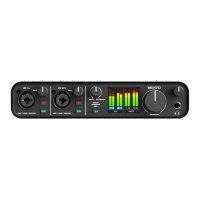
4pre interface
Analog (line) input
Use this setup if you have:
✓ A SMPTE time code source, such as a multitrack tape deck.
✓
An 4pre by itself, OR with another slaved device (such as a dig-
ital mixer).
✓ Host software that supports sample-accurate sync.
This setup provides:
✓ Continuous sync to SMPTE time code.
✓ Sub-frame timing accuracy.
✓ Transport control from the SMPTE time code source.


 To Next Page