APPENDIX D: FREEMIDI AND OMS
153
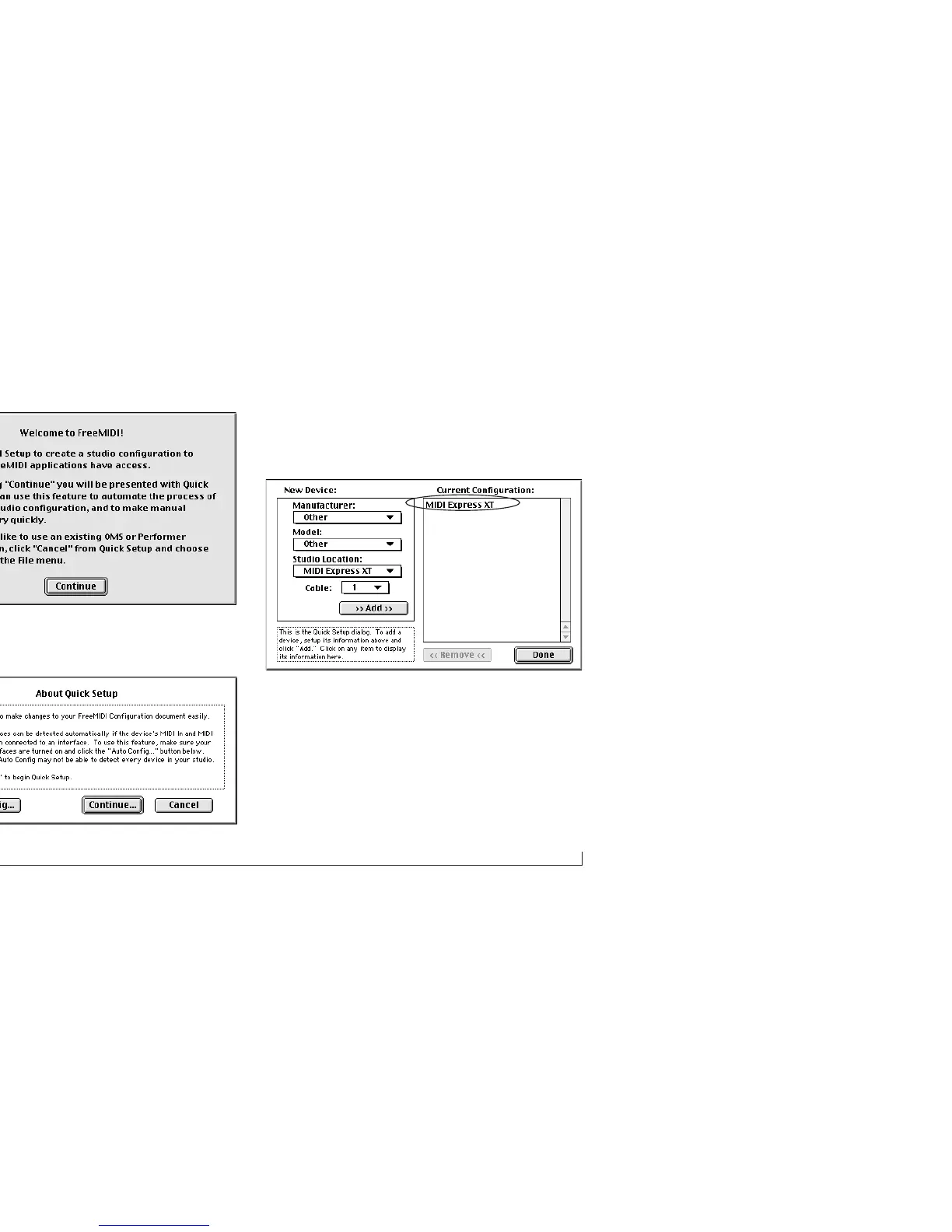
6 Click Continue. The About Quick Setup dialog appears.
7 Click Continue again and you’ll see the Quick Setup
window below. You should see your MOTU USB MIDI
interface in the list on the right-hand side.
Figure D-1: You should see your MOTU interface by name in the list on the right.
8 If you are in a hurry, you can just click Done and
proceed to the next section, “Saving the FreeMIDI
Configuration”.



 To Next Page