CLOCKWORKS FOR MAC OS 9
66
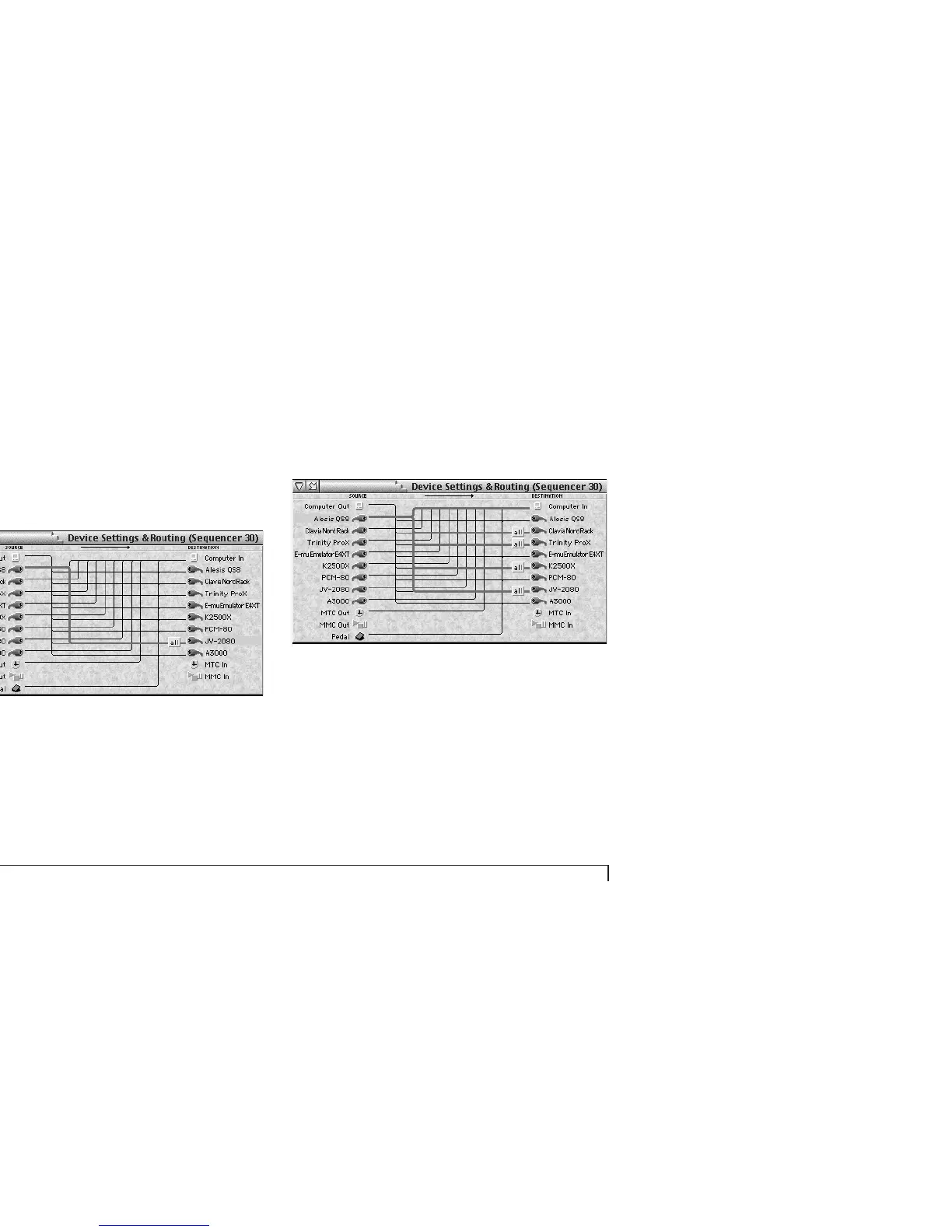
The “all” box means that all channels on the QS8 are
currently routed to all channels on the JV-2080. If you
want to connect specific MIDI channels, see “Specifying
channels in a connection” on page 68.
3 Press return to confirm the cable connection.
Figure 6-12: A completed cable connection.
Connecting one input to multiple outputs
To connect an input to more than one output, make each
connection separately as described in the previous
section. As a shortcut, shift-drag from the input cable on
the left over to the first output, and then drag directly to
each additional output on the right. As you “touch” each
output, it highlights and a connection is made.
Figure 6-13: Connecting one input to several outputs.
Selecting a connection
To select a connection, click the connection’s input cable
icon on the left or any one of its output cable icons on the
right.



 To Next Page