CLOCKWORKS FOR MAC OS 9
67
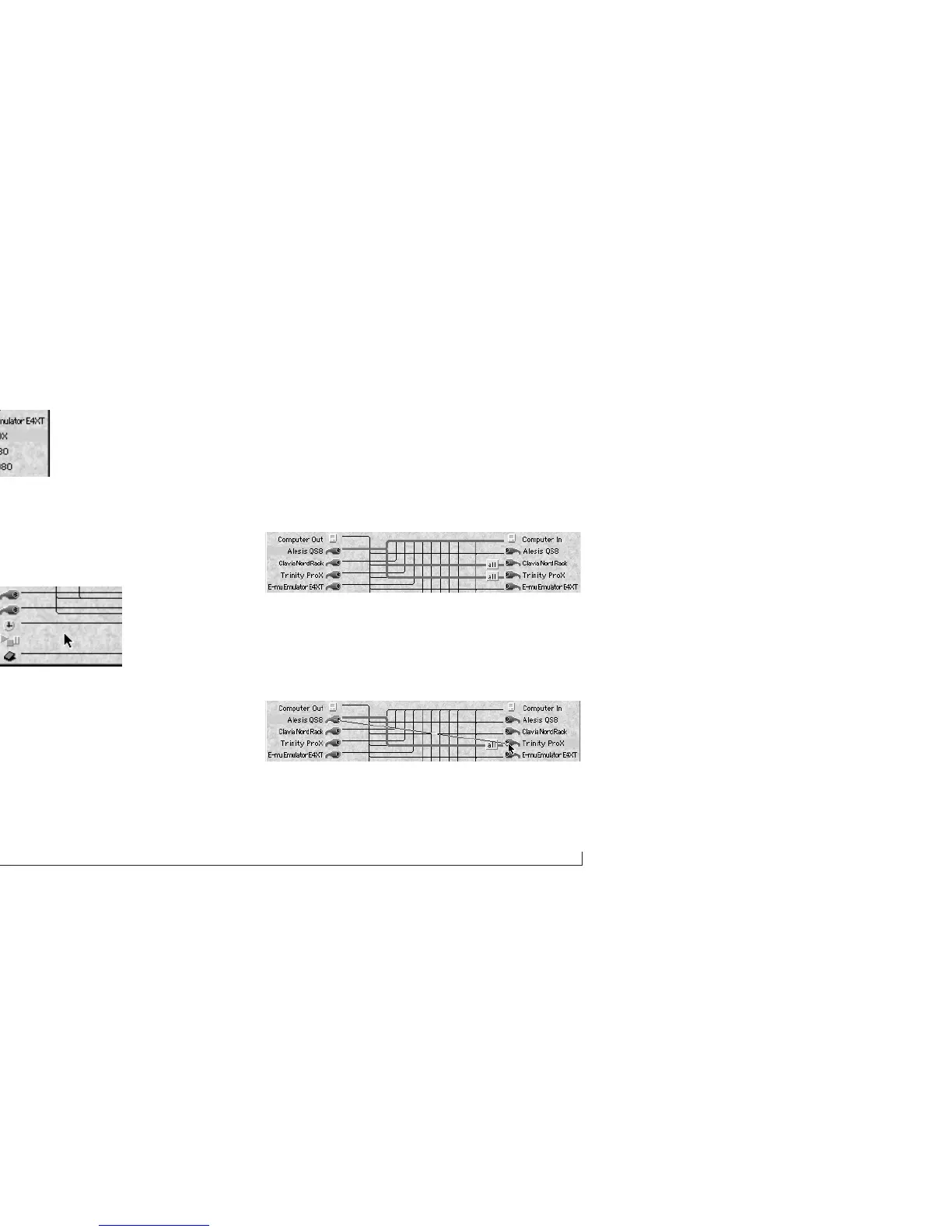
Figure 6-14: Selecting a connection.
Deselecting all connections
To deselect all connections, click anywhere in the middle
of the window between the two columns of cables.
Figure 6-15: Click anywhere on the background to deselect all connections. A
deselected connection appears as a thin line.
Breaking a connection
To break a connection:
1 Select the connection by clicking its cable icon.
2 Press the delete key, or choose Clear from the Edit
menu.
Breaking one of several connections
Often, a device will be connected to several other devices,
like this:
And you’ll want to only remove one of the connections. To
do so:
1 Redraw the connection you want to break.
2 Press the return key to get past the channel pop-up.



 To Next Page