CLOCKWORKS FOR MAC OS 9
68
3 Press the delete key to remove the highlighted
connection. If you click on the device again, the
connection will be gone:
Specifying channels in a connection
Your MOTU interface lets you specify channels when you
make a connection from one piece of gear to another.
For example, you can specify that channel 2 on the input is
to be connected to channel 2 on the output. The input and
output channel will always be the same in a connection.
(To change channels on input or output, you can use the
Channel Map window.)
Multiple connections from the same device can have
different channel assignments. For example, you could
make a connection from your controller to channel 1 on
one synth, and then make a second connection to channel
5 on another synth.
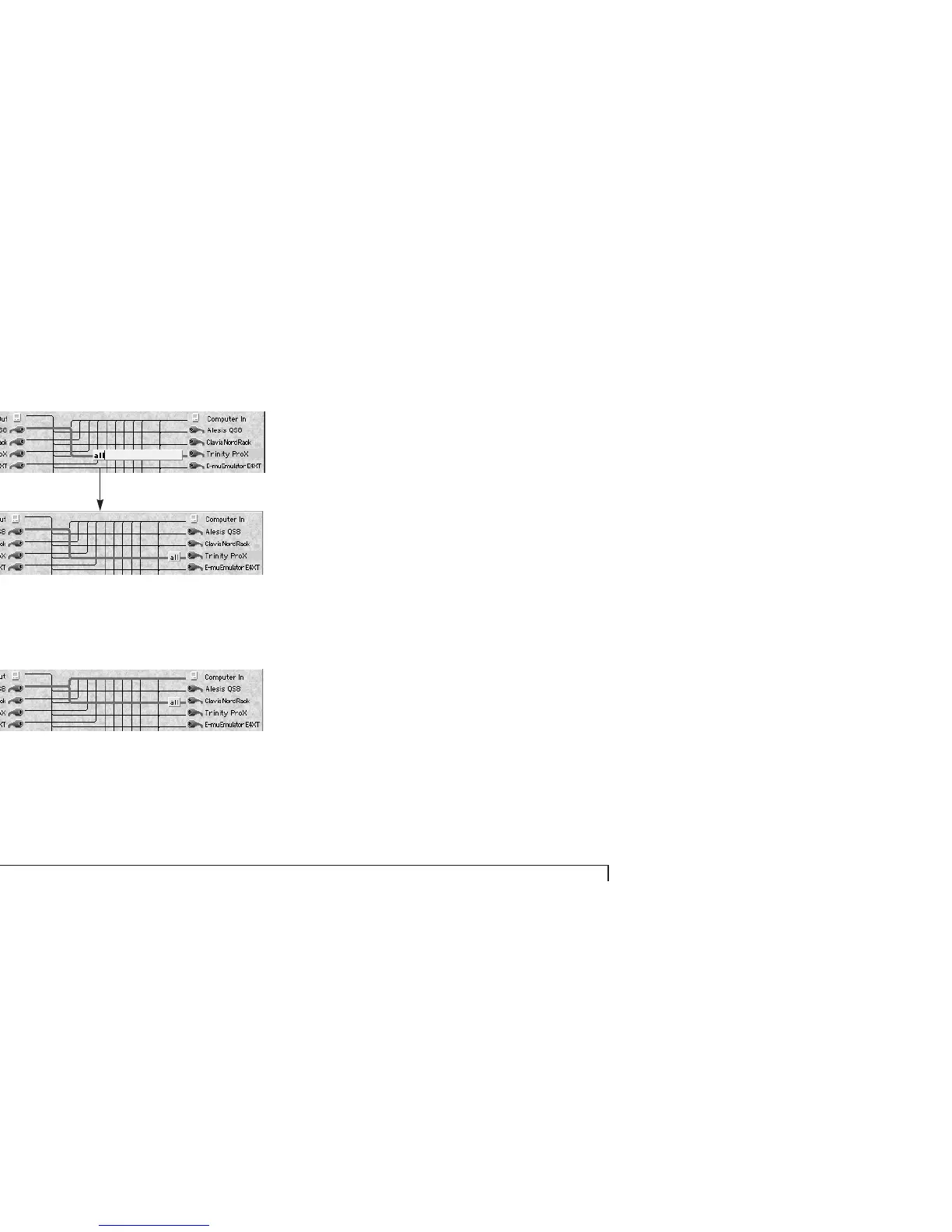
To specify the channel to be routed:
1 Click the MIDI cable icon of either the input device or
output device.
2 Click the text box on the connection.



 To Next Page