CLOCKWORKS FOR MAC OS 9
71
Routing MTC to your MOTU interface
If you would like to slave your MOTU interface to MIDI
Time Code generated by another device, make a
connection from the device (on the left) to the MTC In
port (on the right).
Routing MTC to the computer port
From the factory, your MOTU interface is programmed to
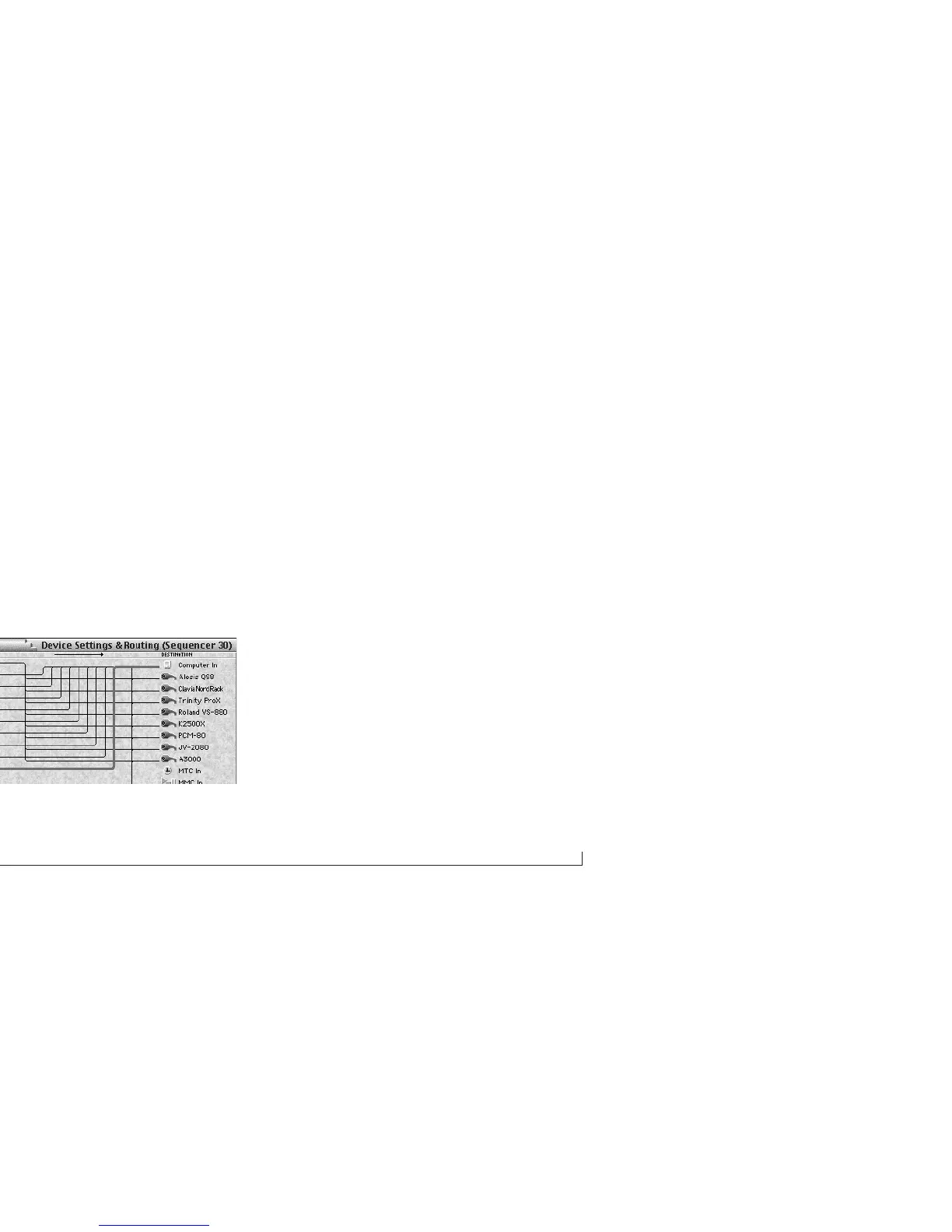
send MTC to the computer port, as shown below in
Figure 6-20. This connection is required by any MIDI
software that needs to slave to MTC generated by the
interface.
Figure 6-20: From the factory, your MOTU interface is programmed to send
MIDI Time Code to the computer as shown here by the selected connection. This
connection is necessary for slaving software to MTC generated by the interface.
The MMC Out and MMC In ports
The MMC Out and MMC In ports provide routing of
MIDI Machine Control (MMC) transport commands to
and from your MOTU interface itself. For example, if you
would like to send MMC transport commands generated
by (or redistributed by) your MOTU interface itself to
another device, create a connection from the MMC Out
port to the desired device as shown below in Figure 6-21.
Usually, you will only have one such connection at a time,
as only one device would be triggered as the Time Code
source. Note also that this connection is not necessary,
however, if you intend to send MMC transport commands
directly from computer software (or a MMC hardware
device) to a MMC device.
MMC In and MMC Out port connections only involve
MMC transport commands; they do not route MMC
record functions, such as record-enable or auto punch-in/
out. To route MMC record functions, make connections
between the Device Settings & Routing Window’s MIDI
ports and computer icon as needed.



 To Next Page