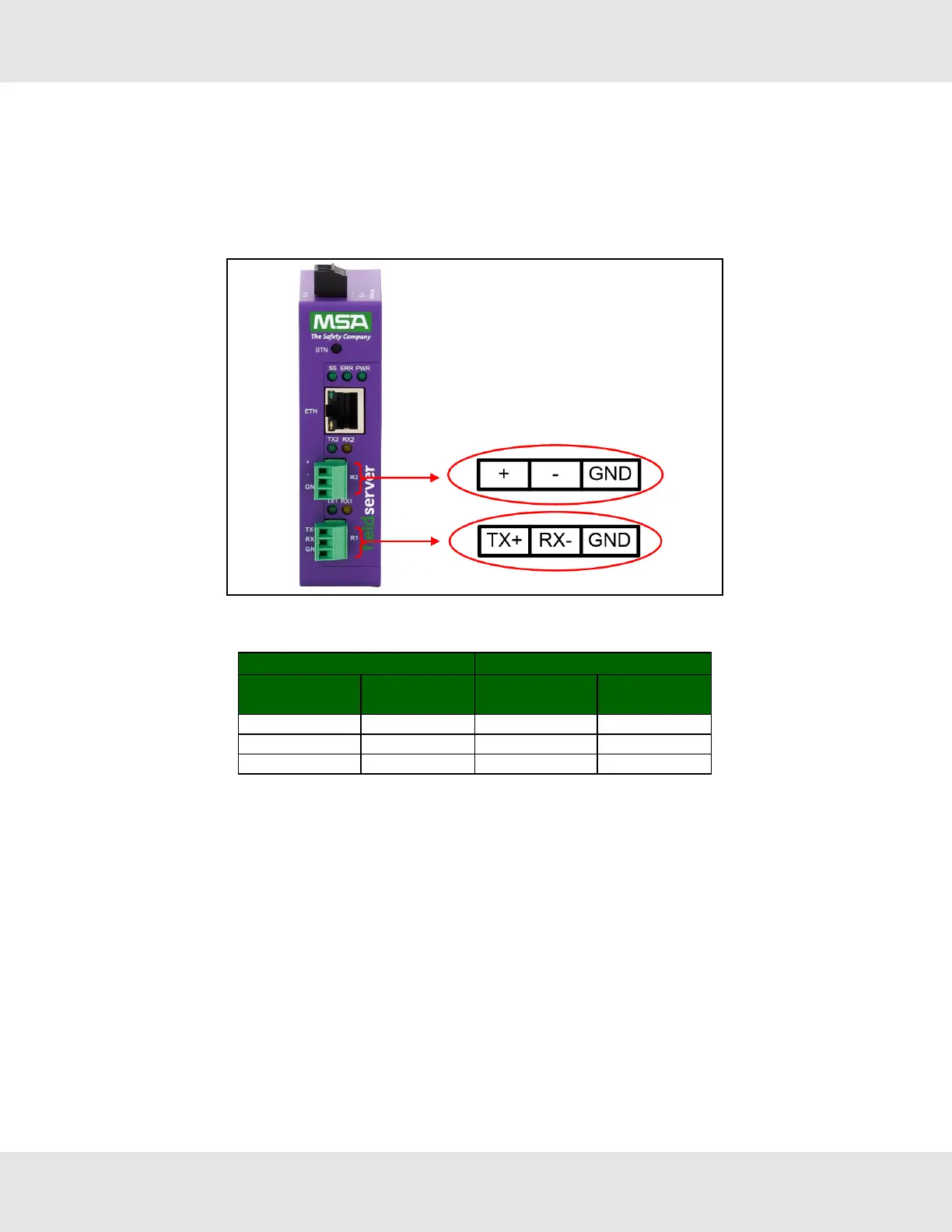
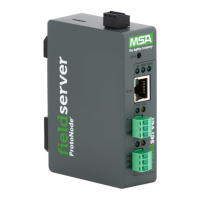
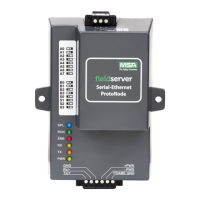
3.2 Connecting the R1 & R2 Ports
For the R1 Port only: Switch between RS-485 and RS-232 by moving the number 4 DIP Switch left for RS-485 and right
for RS-232 (see images in Section 3.1 DIP Switch Settings).
The R2 Port is RS-485.
Connect to the 3-pin connector(s) as shown below.
3.2.1 Wiring
RS-485 RS-232
BMS
RS-485 Wiring
Gateway Pin
Assignment
BMS
RS-485 Wiring
Gateway Pin
Assignment
RS-485 + TX + RS-232 - TX +
RS-485 - RX - RS-232 + RX -
GND GND GND GND
NOTE:Use standard grounding principles for GND.
3.2.2 Supported RS-485 Baud Rates by Protocol
The supported baud rates for either port is based on the protocol of the connected devices.
The following baud rates are supported for Modbus RTU:
2400, 4800, 9600, 19200, 38400, 57600, 76800, 115200
The following baud rates are supported for BACnet MS/TP:
9600, 19200, 38400, 76800, 115200
10 EZ Gateway Modbus to BACnet Start-up Guide


 To Next Page