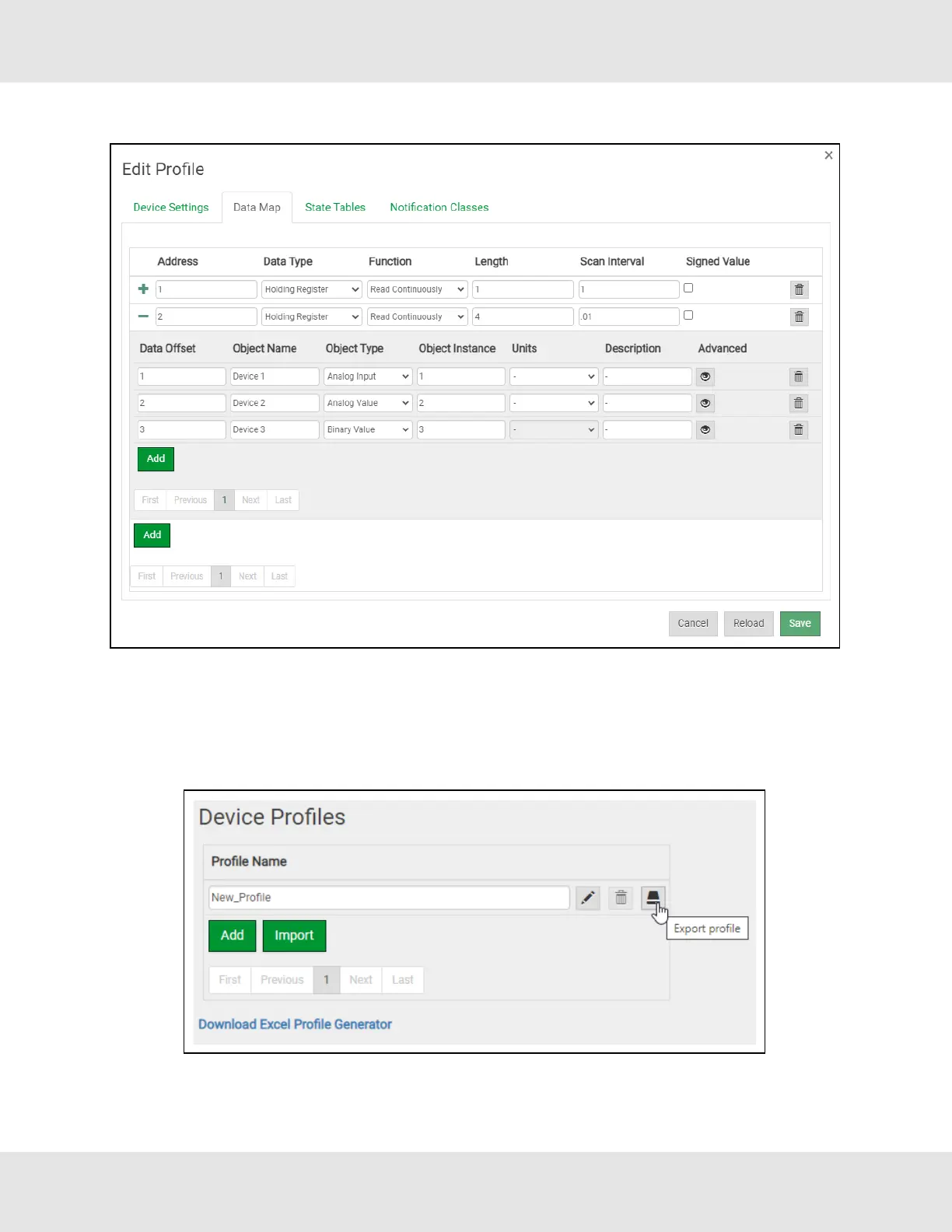
• To define a Notification Class, click the “Notification Class” tab and define the parameters as needed.
• Once all settings are defined, click the Save button.
7.3.4 Export Profile for Backup or Future Use
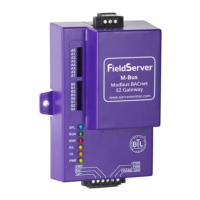
• Back on the Device Profiles page, the profile can be exported for backup or future use by hitting the Export Profile button
(hard drive icon).
• The profile downloads to the local computer in the format: <Profile Name>.profile.
EZ Gateway Modbus to BACnet Start-up Guide 25


 To Next Page