NOTE:Allow the devices to populate before interacting with the device list for optimal performance. Any
discovery or explore process will cause a green message to appear in the upper right corner of the browser to
confirm that the action is complete.
8.2 View Device Details and Explore Points/Parameters
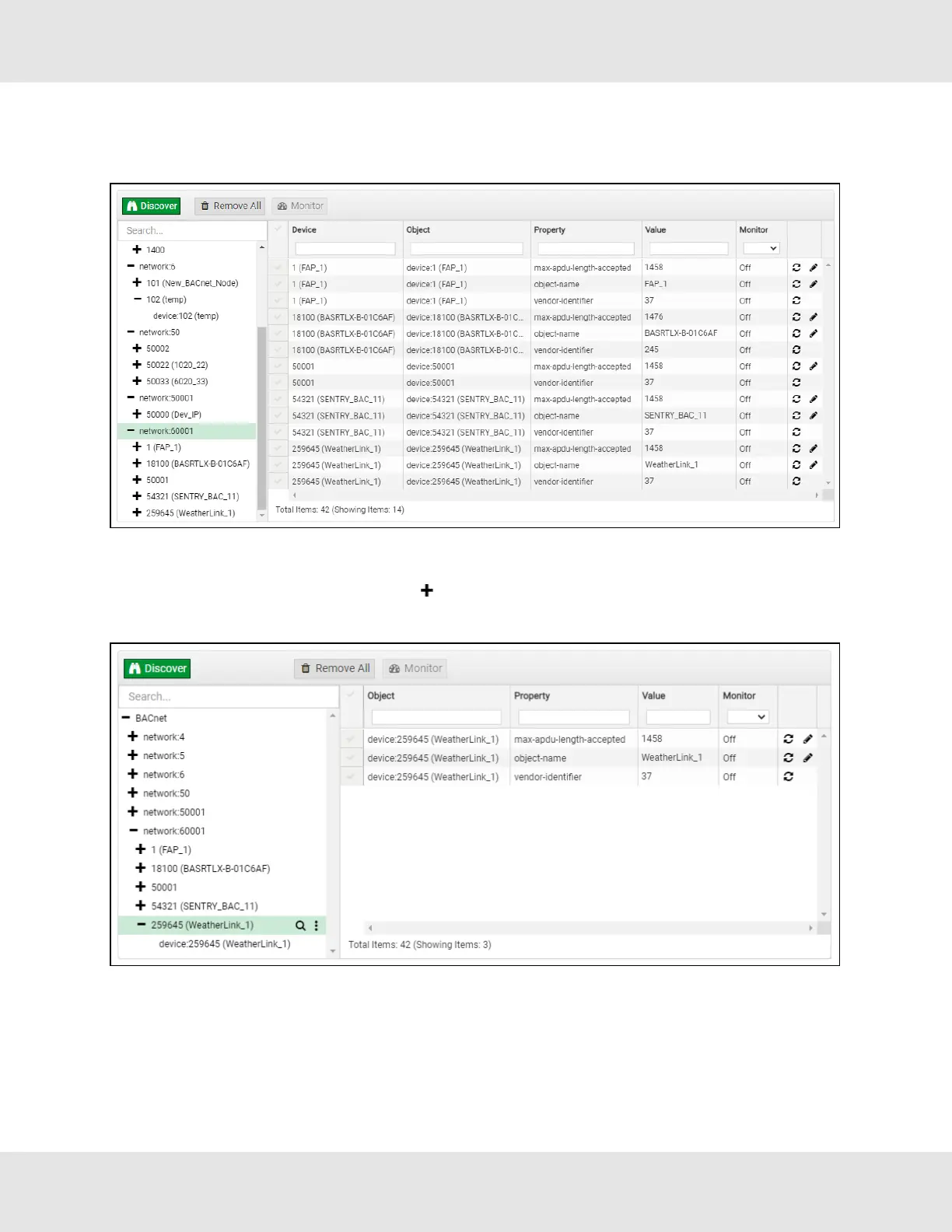
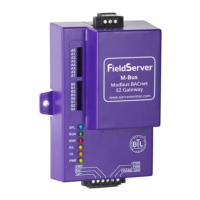
• To view the device details, click the blue plus sign ( ) next to the desired device in the list.
◦ This will show only some of the device properties for the selected aspect of a device
EZ Gateway Modbus to BACnet Start-up Guide 31


 To Next Page