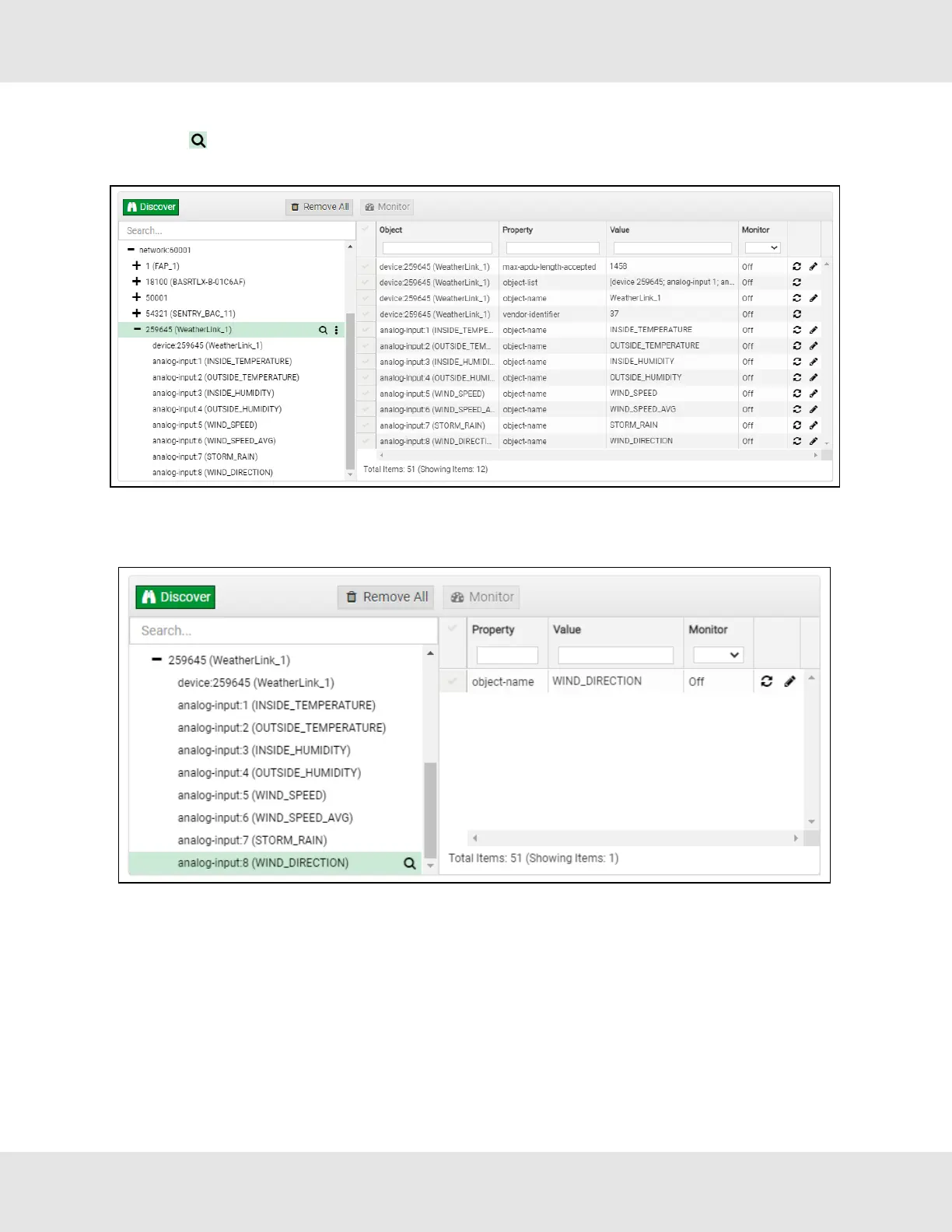
• To view the full details of a device, highlight the device directly (in the image below – “1991 WeatherLink_1”) and click the
Explore button ( ) that appears to the right of the highlighted device as a magnifying glass icon or double-click the
highlighted device.
◦ Now additional device details are viewable; however, the device can be explored even further
• Click on one of the device details.
32 EZ Gateway Modbus to BACnet Start-up Guide



 To Next Page