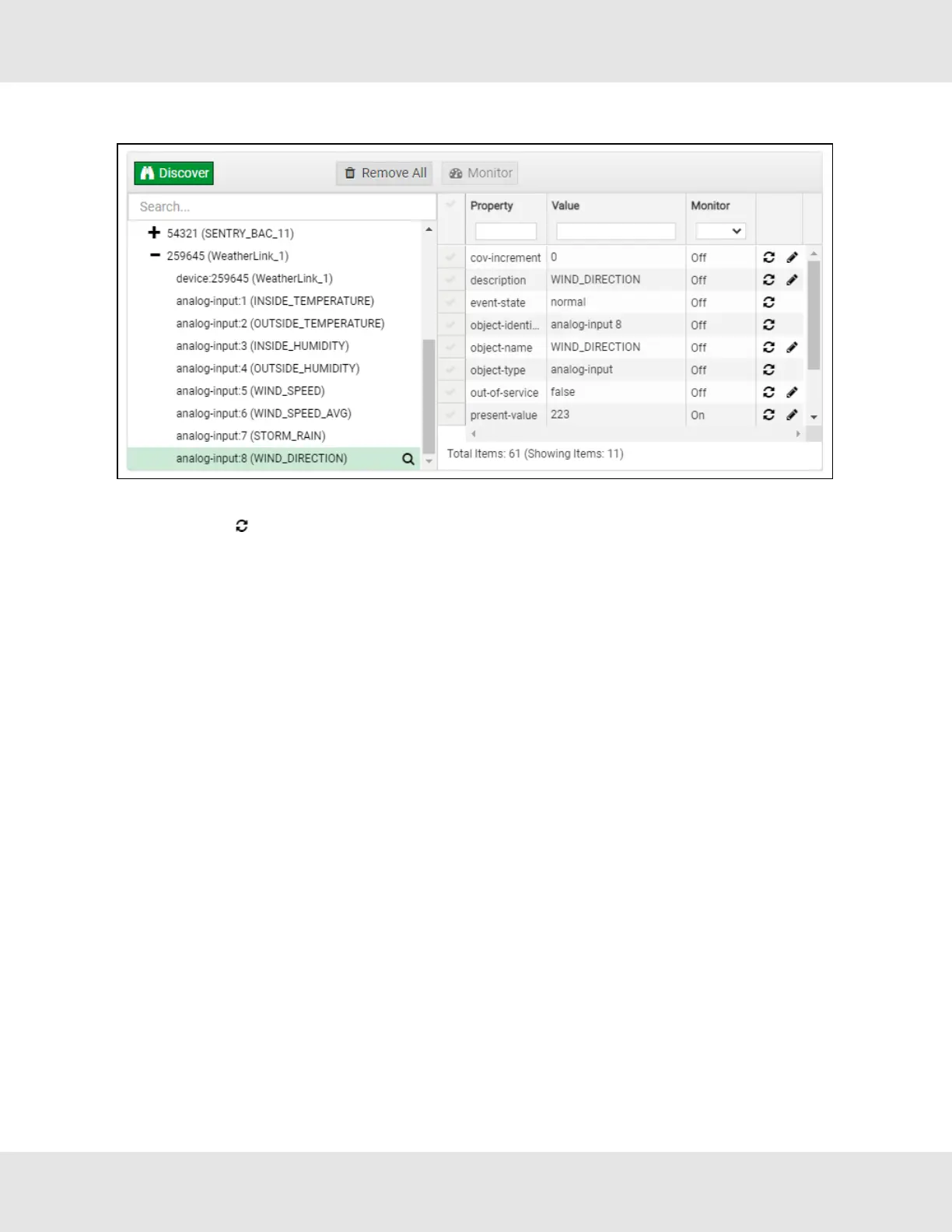
• Then click on the Explore button that appears or double-click the device object.
A full list of the device details will appear on the right side window. If changes are expected since the last explore, simply
press the Refresh button ( ) that appears to right of individual properties to refresh.
NOTE:The Gateway Search Bar will find devices based on their Device ID.
NOTE:The Gateway Discovery Tree has 3 levels that correspond to the following.
• Network number
◦ Device
– Device object
EZ Gateway Modbus to BACnet Start-up Guide 33



 To Next Page