9.2 User Setup
Before the gateway can be connected to the FieldServer Manager, a user account must be created. Request an invitation to
the FieldServer Manager from the manufacturer’s support team. Once an invitation has been requested , follow the
instructions below to set up login details:
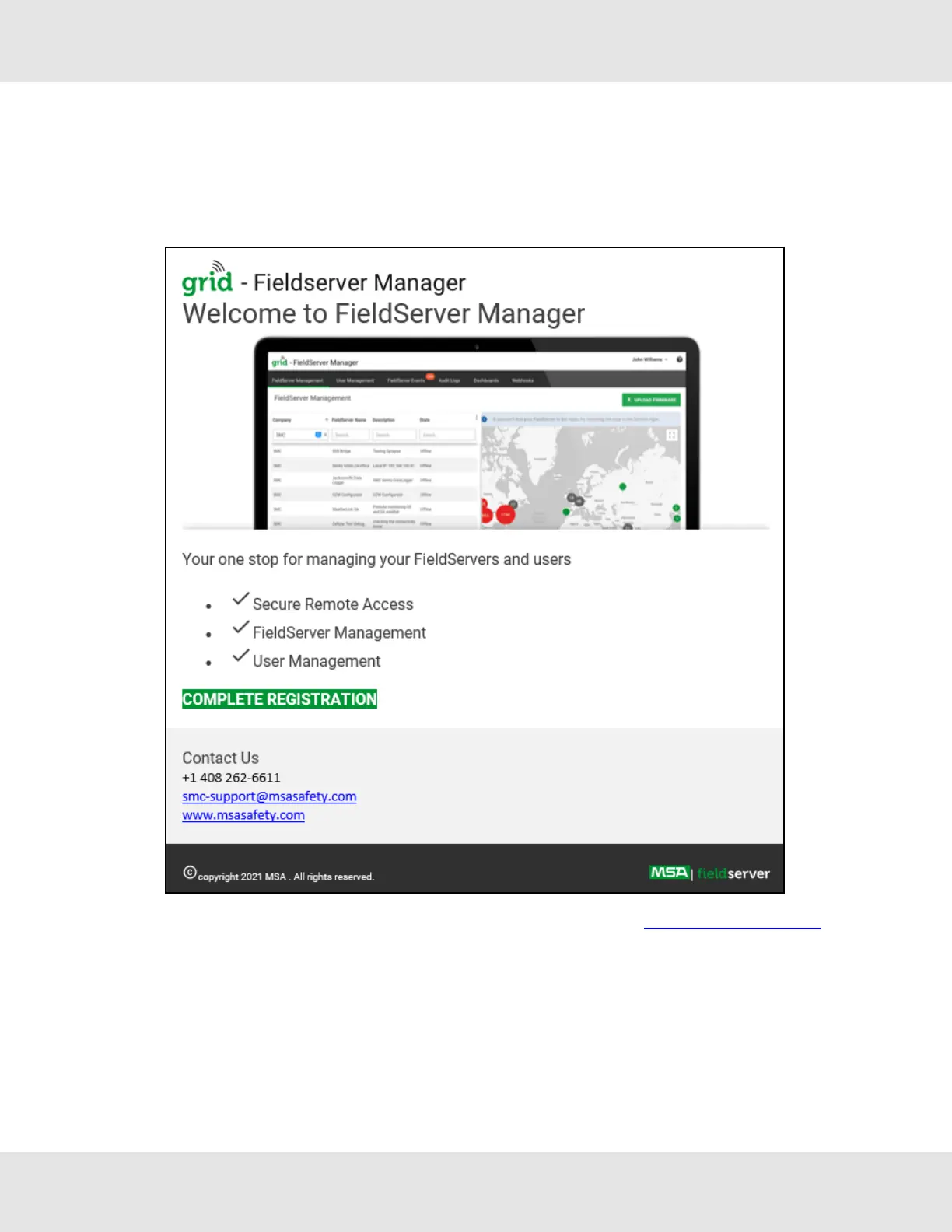
• The “Welcome to the MSA Grid - FieldServer Manager” email will appear as shown below.
NOTE:If no email was received, check the spam/junk folder for an email from notification@fieldpop.io. Contact
the manufacturer’s support team if no email is found.
EZ Gateway Modbus to BACnet Start-up Guide 37



 To Next Page