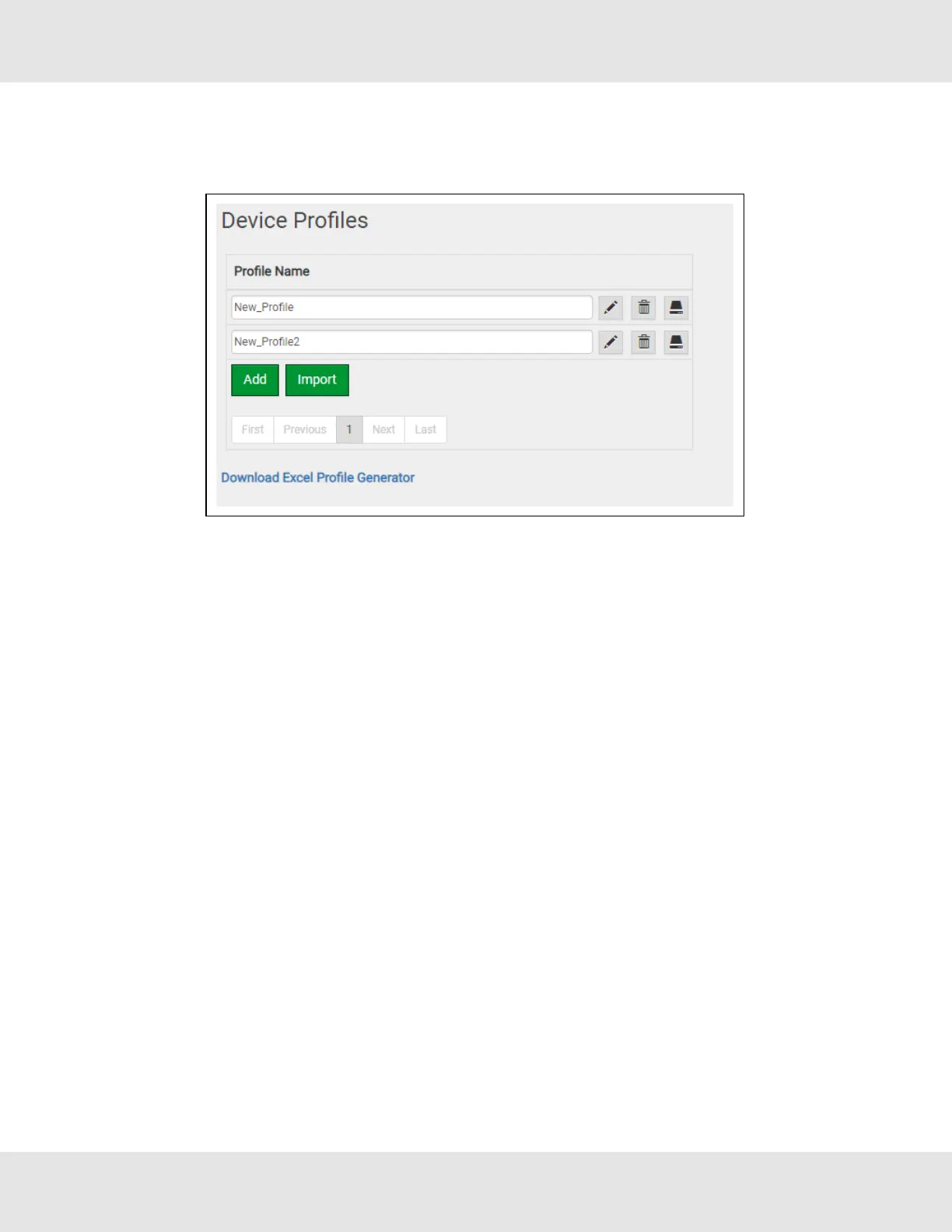
7.4 Importing a Device Profile
• Profiles on the local computer can be imported to the EZ Gateway by going to the Device Profiles page and clicking the
Import button.
NOTE:All profiles will need to be created or imported to the EZ Gateway before proceeding.
NOTE:There are two types of files that can be imported. The Excel spreadsheet generated files (Section 7.3.2
Using Excel Profile Generator to Map BACnet Objects) or an exported profile (Section 7.3.4 Export Profile for
Backup or Future Use). Files generated from the downloaded “Excel Profile Generator” only include Data Map
information and must be completed by going through the steps found in Section 7.3.3 Completing Device
Profile Setup after being loaded. However, exported profiles include complete profile information and can be
used immediately after load up.
26 EZ Gateway Modbus to BACnet Start-up Guide



 To Next Page