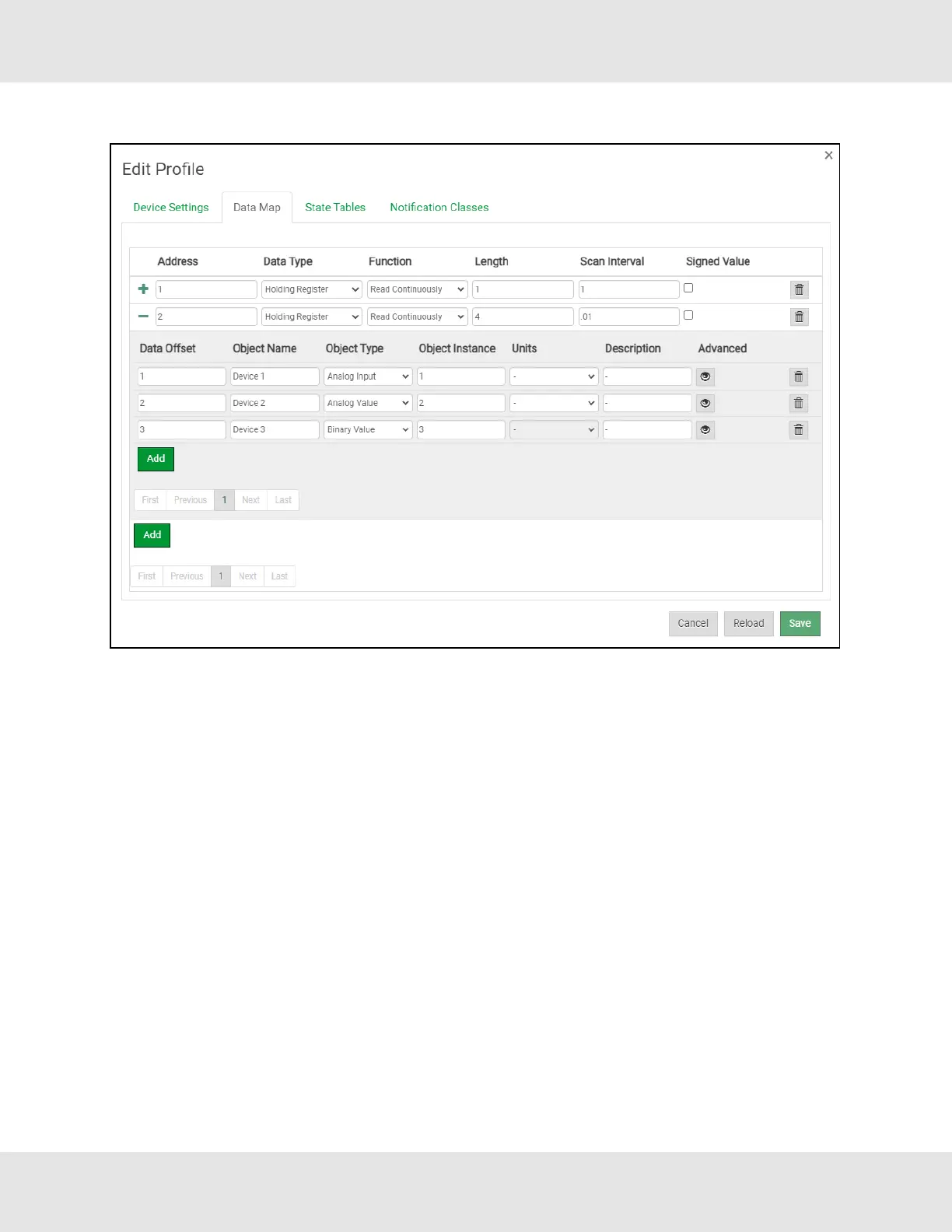
• Click on the blue plus sign icon on the left side of the Address to map the BACnet Addresses to the Modbus Registers.
NOTE:The Advanced button (eye icon) allows additional settings, including: Intrinsic Reporting, Bit Extraction,
scaling and more.
• Repeat for all of the Modbus registers.
• Once all mappings are defined, click the Save button in the bottom left corner of the window to record the Profile.
22 EZ Gateway Modbus to BACnet Start-up Guide



 To Next Page