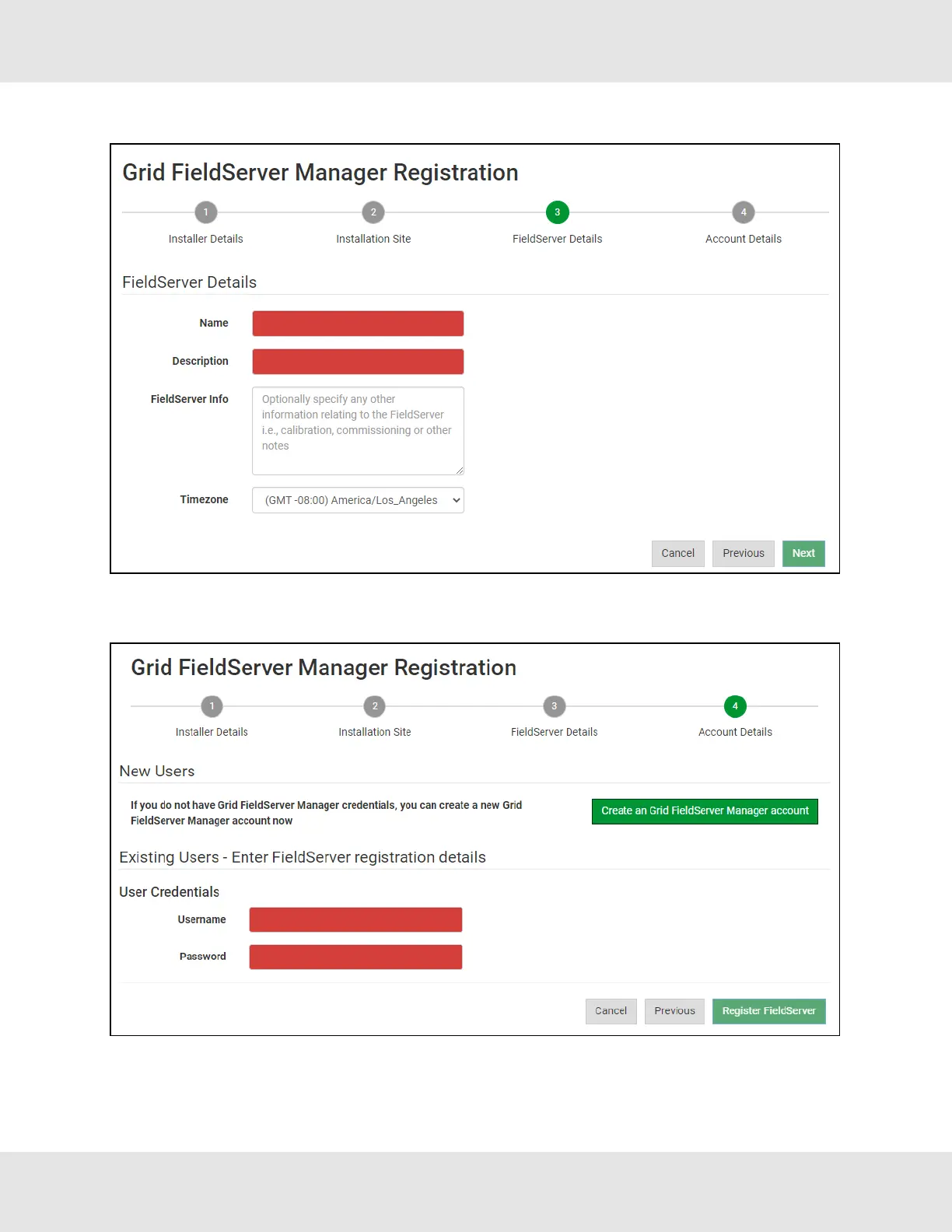
◦ Enter Name and Description (required) then click Next
◦ Click the “Create an Grid FieldServer Manager account” button and enter a valid email to send a “Welcome to MSA
Grid – FieldServer Manager” invite to the email address entered
• Once the device has successfully been registered, a confirmation window will appear. Click the Close button and the
following screen will appear listing the device details and additional information auto-populated by the EZ Gateway.
EZ Gateway Modbus to BACnet Start-up Guide 41



 To Next Page