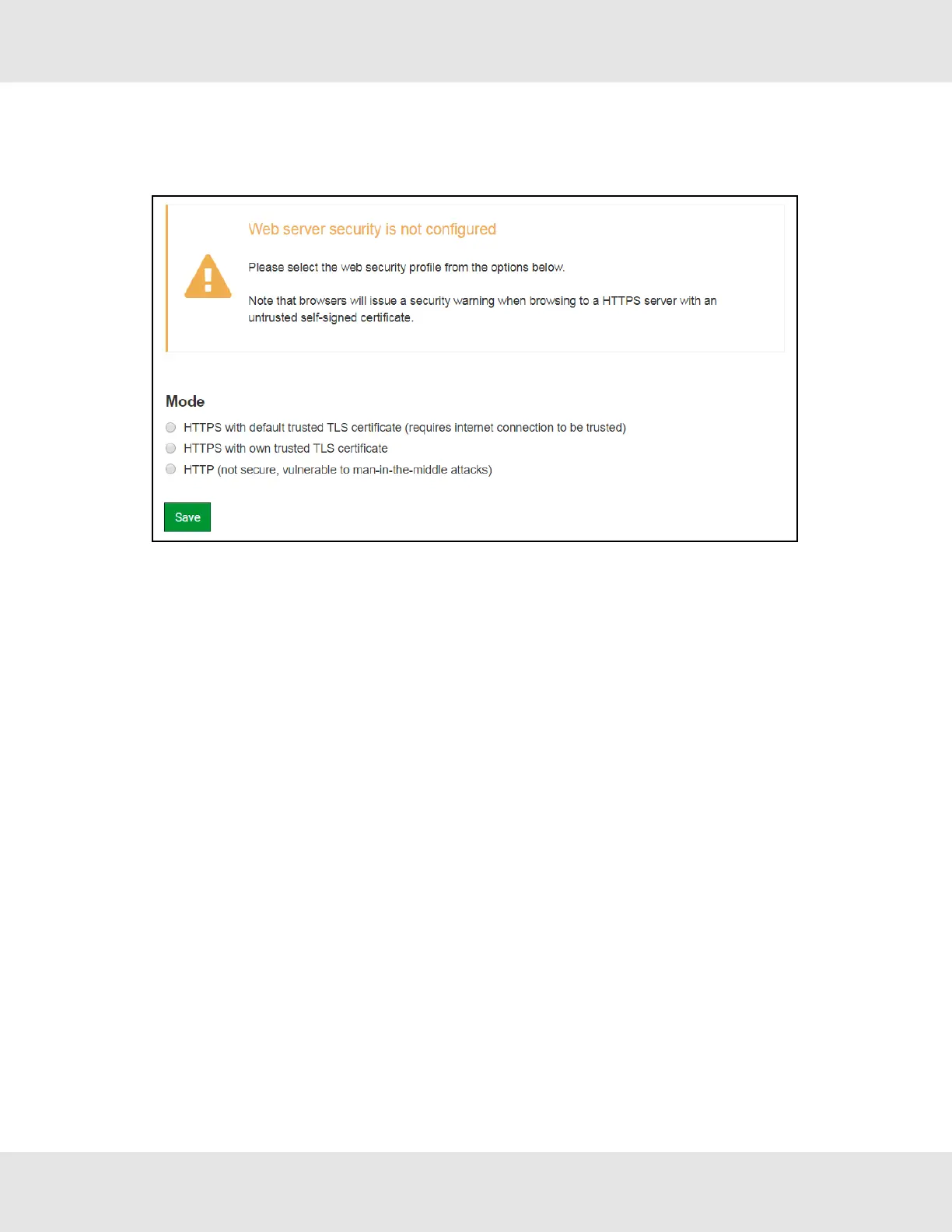
6.2 Select the Security Mode
On the first login to the FieldServer, the following screen will appear that allows the user to select which mode the
FieldServer should use.
NOTE:Cookies are used for authentication.
NOTE:To change the web server security mode after initial setup, go to Section 10.4 Change Web Server
Security Settings After Initial Setup.
The sections that follow include instructions for assigning the different security modes.
18 ProtoNode Start-up Guide



 To Next Page