10.6 Routing Settings
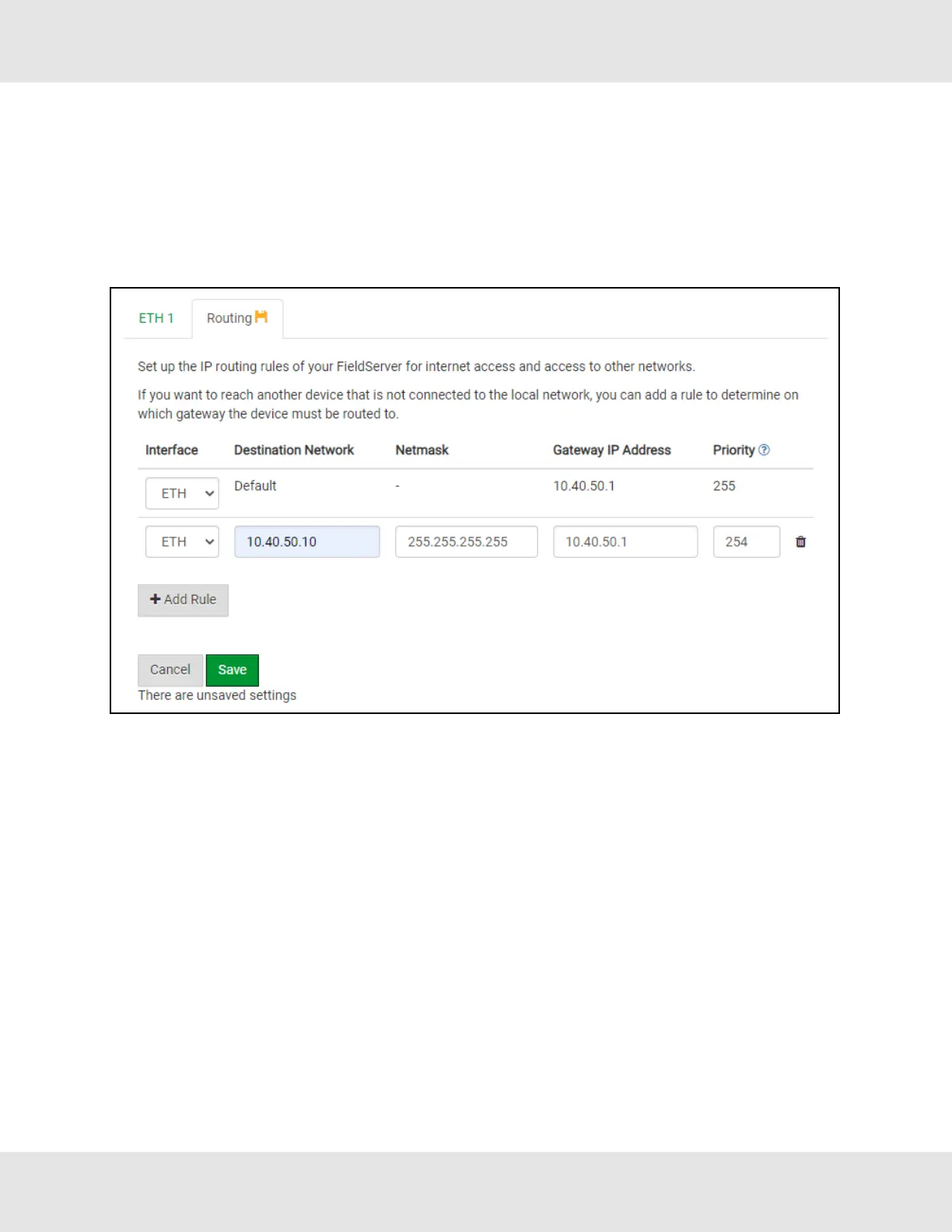
The Routing settings make it possible to set up the IP routing rules for the FieldServer’s internet and network connections.
• Click the Add Rule button to add a new row and set a new Destination Network, Netmask and Gateway IP Address as
needed.
• Set the Priority for each connection (1-255 with 1 as the highest priority and 255 as the lowest).
• Click the Save button to activate the new settings.
ProtoNode Start-up Guide 39



 To Next Page