8 LonWorks (FPC-N35): Commissioning the ProtoNode on a LonWorks Network
Commissioning may only be performed by the LonWorks administrator.
8.1 Commissioning theProtoNode FPC-N35 on a LonWorks Network
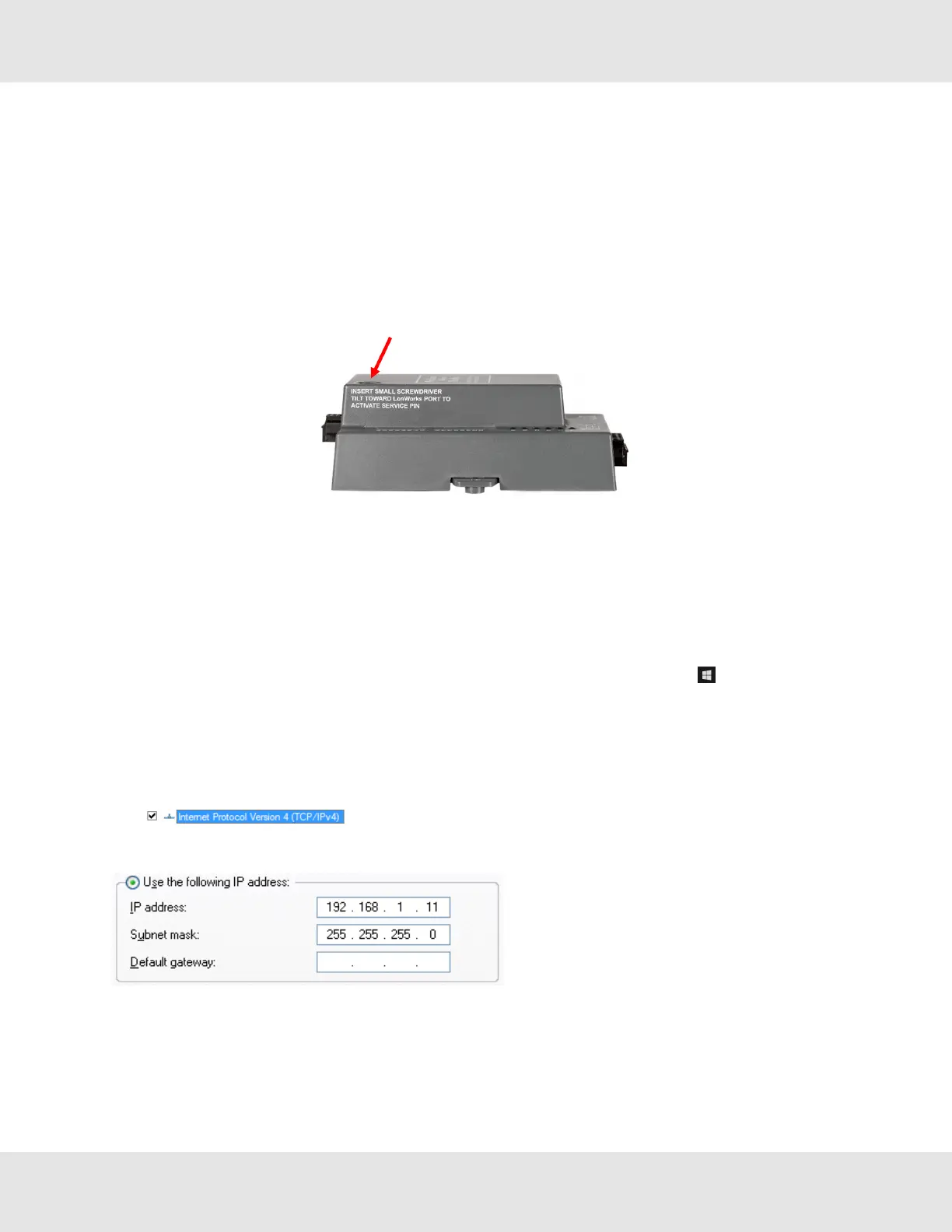
During the commissioning process, the LonWorks administrator may prompt the user to hit the service pin on the ProtoNode
FPC-N35 at a specific point (this step occurs at different points of the commissioning process for each LonWorks network
management tool).
• If an XIF file is required, see steps in Section 8.1.1 Instructions to Download XIF File from ProtoNode FPC-N35
Using Browser to generate XIF.
8.1.1 Instructions to Download XIF File from ProtoNode FPC-N35 Using Browser
• Connect a Cat-5 Ethernet cable (straight through or cross-over) between the PC and ProtoNode.
• The default IP Address for the ProtoNode is 192.168.1.24, Subnet Mask is 255.255.255.0. If the PC and ProtoNode are
on different IP networks, assign a static IP Address to the PC on the 192.168.1.xxx network.
For Windows 10:
• Find the search field in the local computer’s taskbar (usually to the right of the windows icon ) and type in “Control
Panel”.
• Click “Control Panel”, click “Network and Internet” and then click “Network and Sharing Center”.
• Click “Change adapter settings” on the left side of the window.
• Right-click on “Local Area Connection” and select “Properties” from the dropdown menu.
• Highlight and then click the Properties button.
• Select and enter a static IP Address on the same subnet. For example:
• Click the Okay button to close the Internet Protocol window and the Close button to close the Ethernet Properties
window.
22 ProtoNode Start-up Guide



 To Next Page