9 Troubleshooting
9.1 Lost or Incorrect IP Address
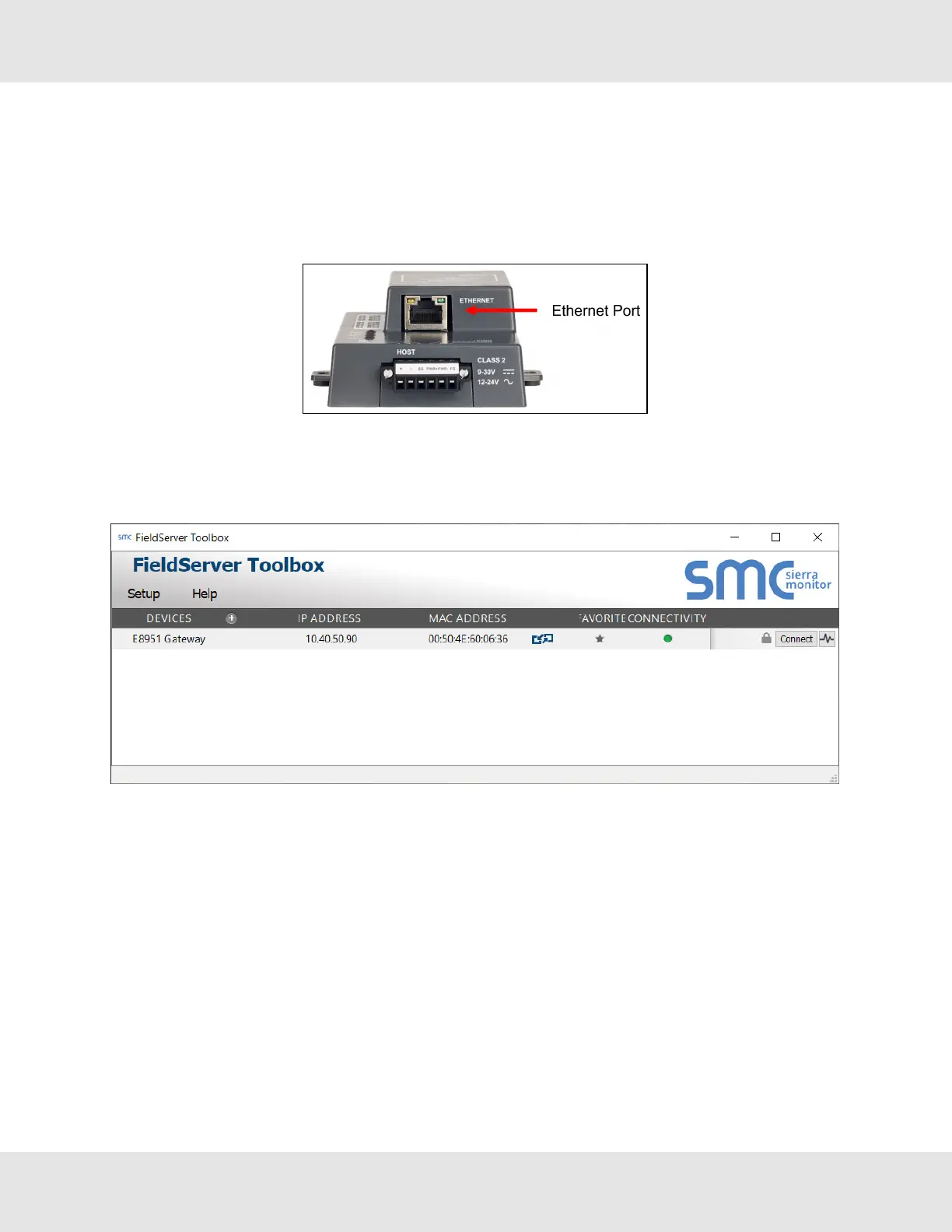
• Ensure that FieldServer Toolbox is loaded onto the local PC. Otherwise, download the FieldServer-Toolbox.zip via the
MSA Safety website.
• Extract the executable file and complete the installation.
• Connect a standard Cat-5 Ethernet cable between the user’s PC and ProtoNode.
• Double click on the FS Toolbox Utility and click Discover Now on the splash page.
• Check for the IP Address of the desired gateway.
24 ProtoNode Start-up Guide



 To Next Page