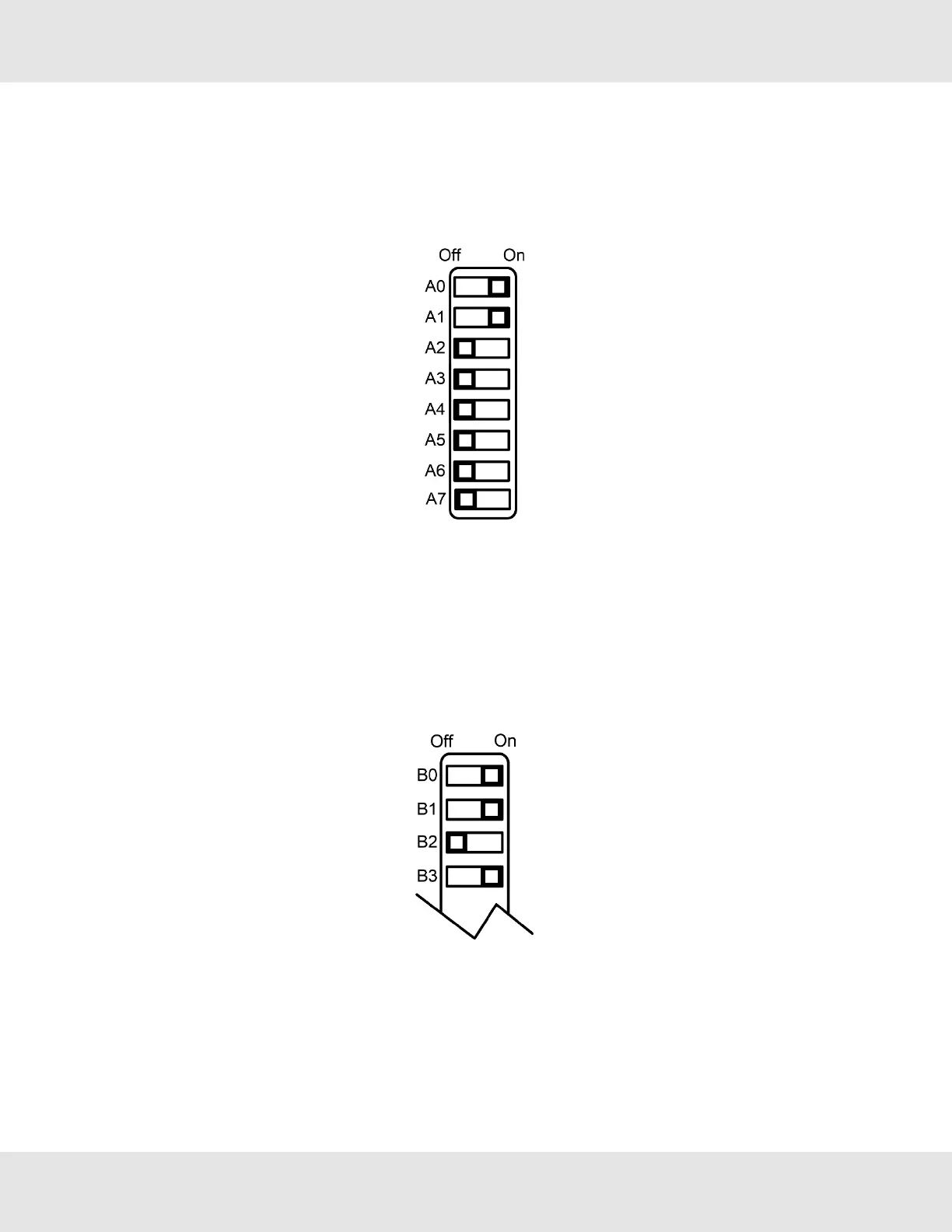
2.4 Configure the DIP Switches
2.4.1 Setting the Node/ID Device Instance (DIP Switch A0 – A7)
• The A Bank DIP switches on the ProtoNode allow users to set the Node-ID/Device Instance on the Field RS-485.
• DIP switches A0 – A7 can also be used to set the MAC Address for BACnet MS/TP and BACnet/IP.
NOTE: When setting DIP Switches, please ensure that power to the board is OFF.
• Refer to Section 10.9 A Bank DIP Switch Settings for the full range of addresses to set Node-ID/Device Instance.
2.4.2 Setting the Serial Baud Rate (DIP Switch B0 – B3)
• DIP Switches B0 – B3 can be used to set the serial baud rate to match the baud rate provided by the interfaced systems.
• Metasys N2 is always defaulted to 9600 baud and the B bank is disabled.
• “B” bank DIP switches B0 – B3 are disabled on ProtoNode FPC-N35 (LonWorks).
ProtoNode Start-up Guide 7



 To Next Page