- Connect USB Host cable to DSC or USB
flash disks.
- Connect regular USB cable to computers.
16. DC Connecter Connect to the power adapter.
LCD Display
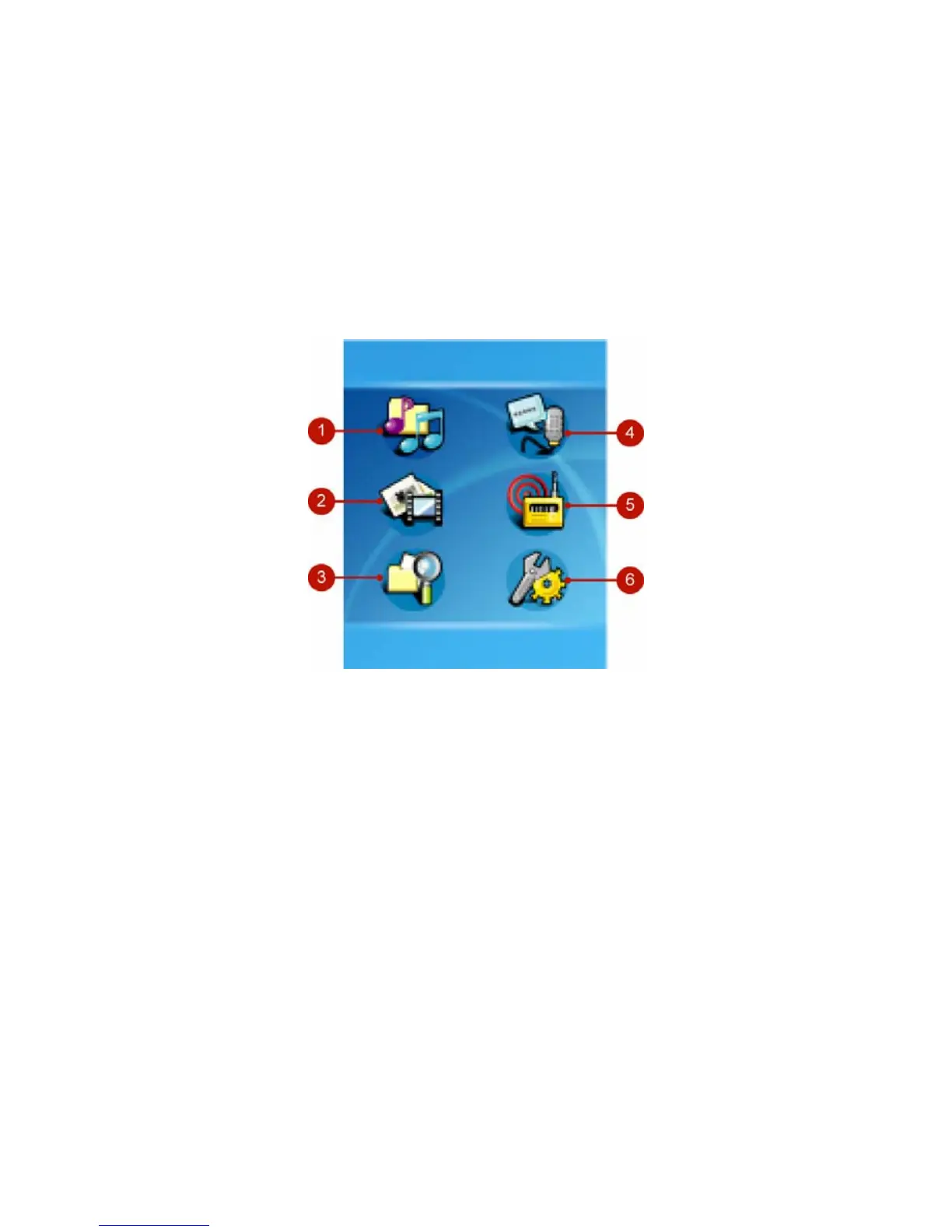
Main Menu
1. Music Play music
2. Multi-Media Play multimedia files
3. File Browser Management files
4. Record Play recorded voice, music and radio.
5. Radio Listen to the radio (Optional)
6. Setting Adjust setting values of the device
10



 To Next Page