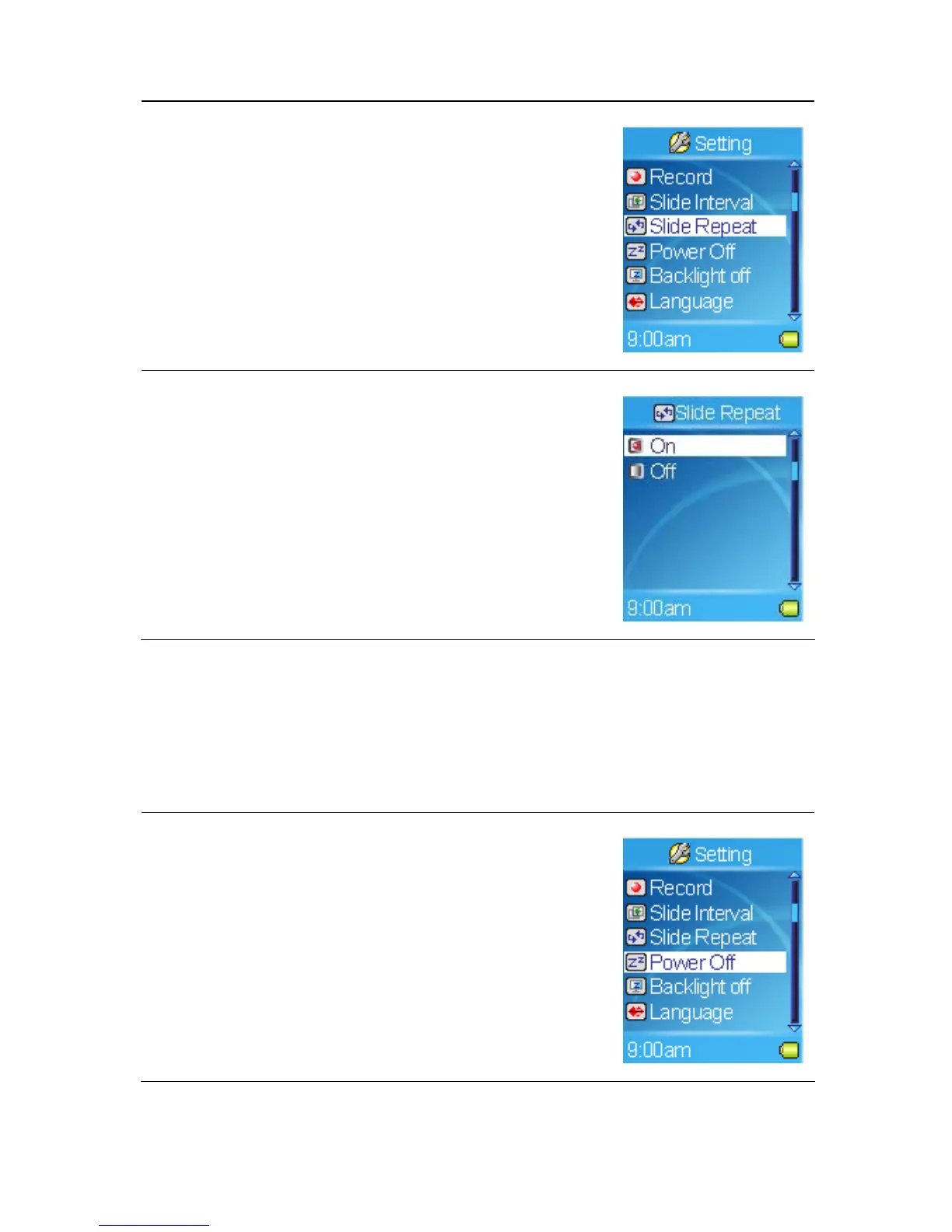
1. Select the Setting item in Main Menu.
2. Select the Slide Repeat item.
3. Select On to repeat slideshow. Select Off to play
the slideshow only once.
Setting Power Off
You can set the timer under Power Off setting to turn off MEGA PLAYER 536
automatically when it is playing or recording for a certain time.
1. Select the Setting item in Main Menu.
2. Select the Power Off item.
34



 To Next Page