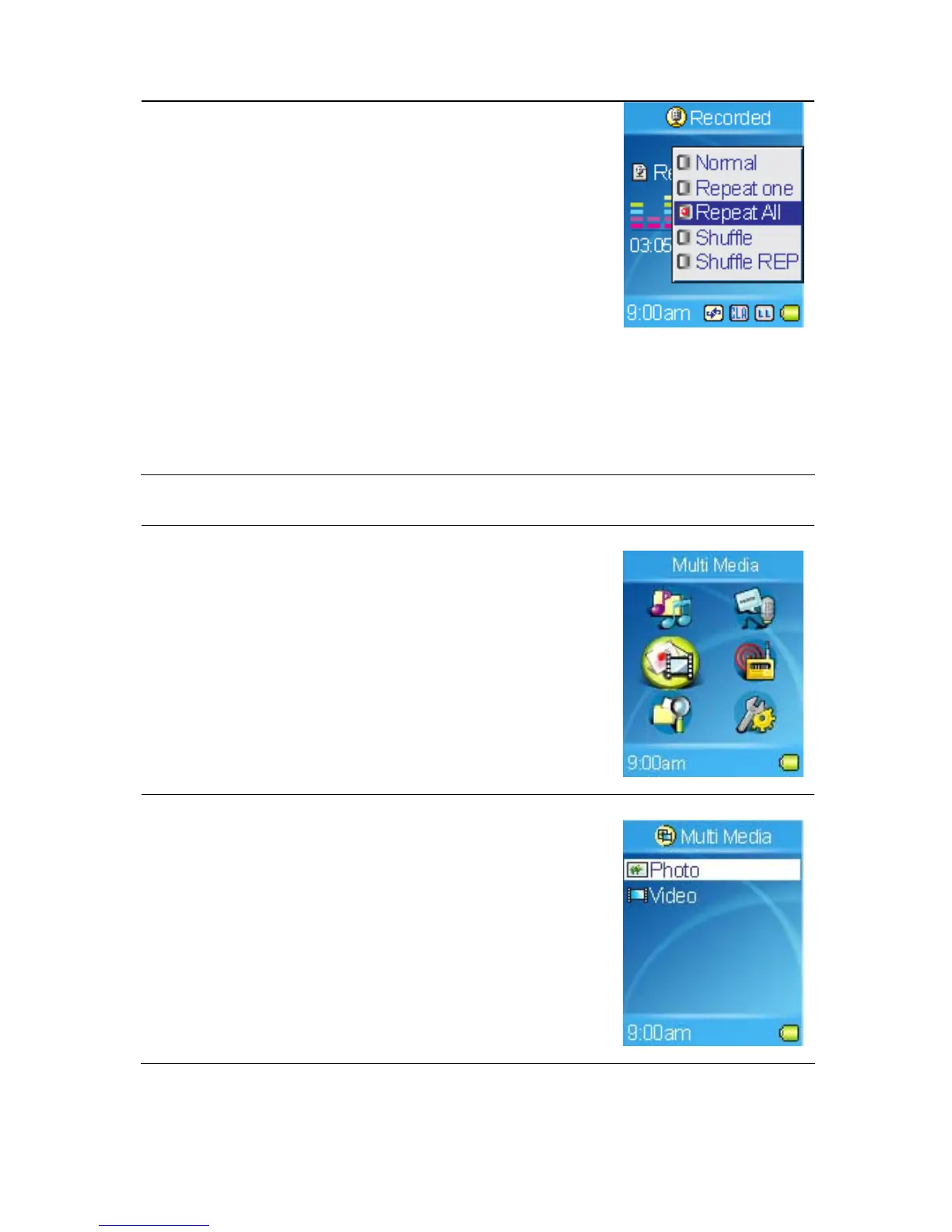
3. Select one of the following items in the Repeat
mode screen.
a. Normal: Plays users selected tracks in
sequential order.
b. Repeat one: Repeat the current track.
c. Repeat All: Repeat all selected tracks.
d. Shuffle: Plays all selected tracks in random
order, once only.
e. Shuffle REP: Plays and repeats all selected
tracks, in random order.
Viewing Photos
1. To view photos stored on the built-in hard disk
or SD card, select the Multi Media item in Main
Menu.
2. Select Photo item in Multi Media menu.
25



 To Next Page