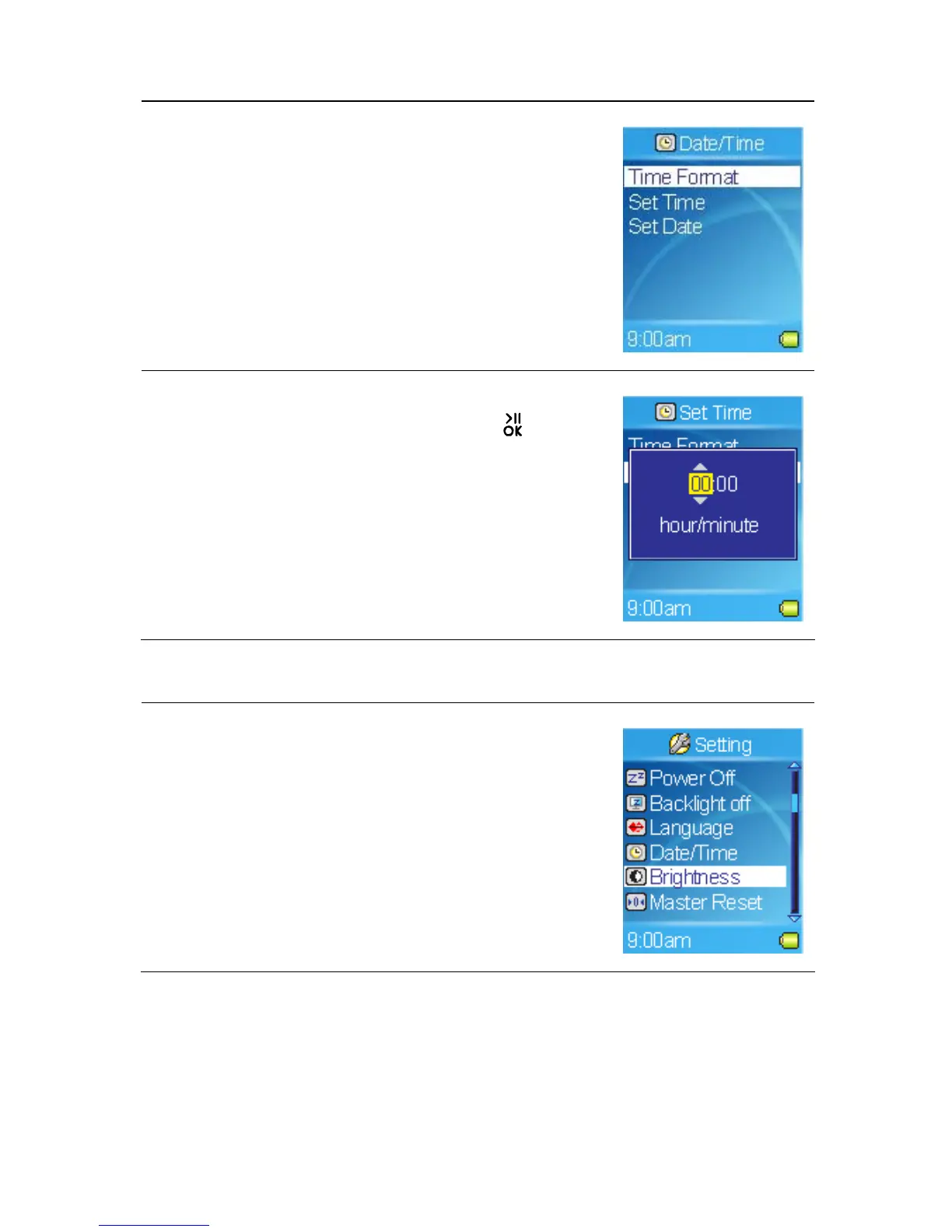
3. To adjust how the time is displayed, select the
Time Format item, and then select 12 hour or 24
hour.
4. Select Set Time or Set date to change the time
or date settings.
5. The current time or date is displayed.
6. Set the time or date, and then tap the
button
to confirm and exit.
Setting Brightness
1. Select the Setting item in Main Menu.
2. Select the Brightness item.
37



 To Next Page