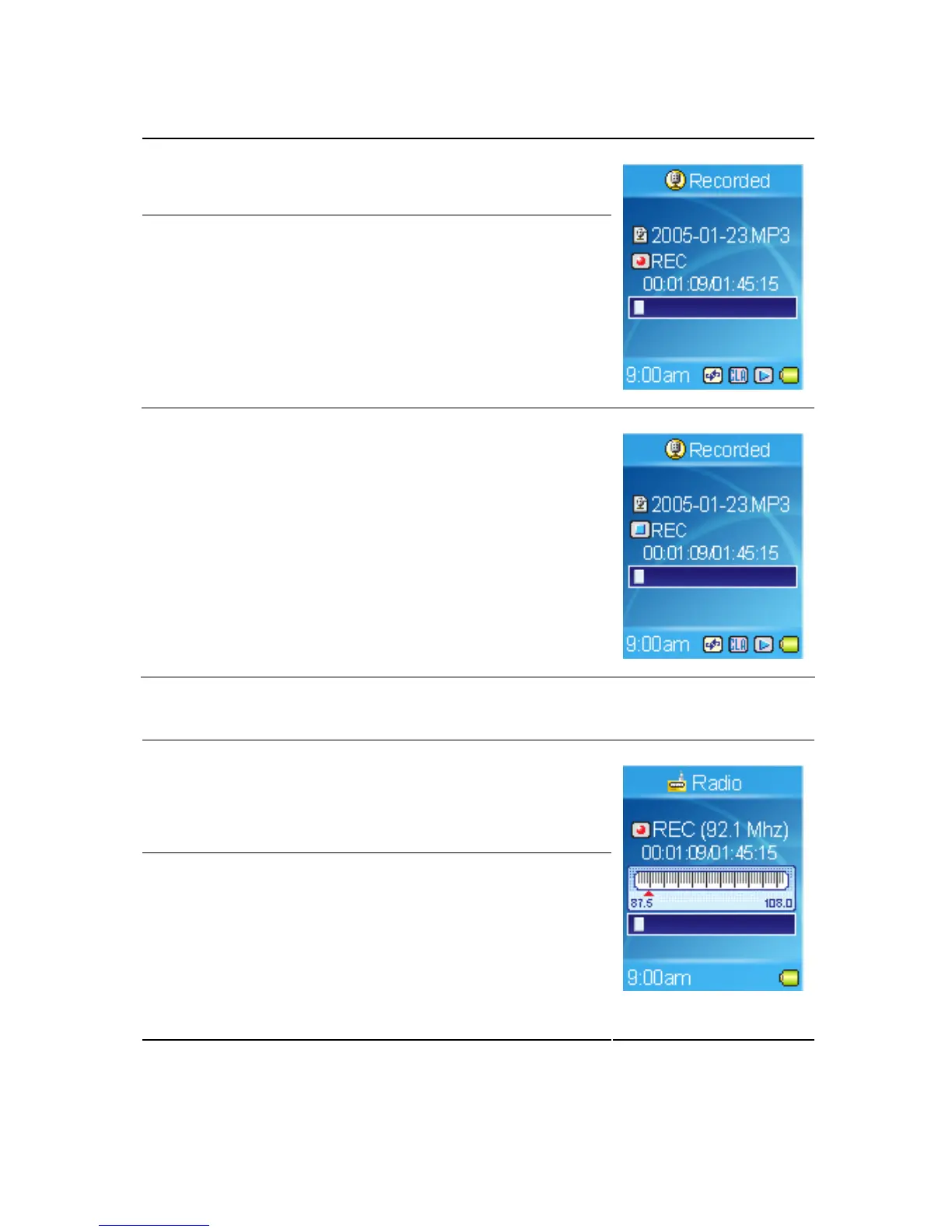
Microphone Recording, please follow the steps shown below.
1. Press the A→B/REC button to start recording.
2. On the Display, a recording file should be
generated and placed under the folder of
[ /RECORD/ ]. The file name sequence starts
from [LineIn001.mp3], and then
[LineIn002.mp3], and so forth.
3. Press the A→B/REC button again to stop
recording. It will be encoded to a MP3 format
file and save in the RECORD folder in the
MEGA PLAYER 536 automatically, and you
will see the status jump to the file list in the
RECORD folder.
Radio Broadcast Recording (Option)
1. Select a radio broadcast channel that you want to
record.
2. Press the A→B/REC button to start recording.
3. On the Display, a recording file should be
generated and placed under the folder of
[ /RECORD/ ]. The file name sequence starts
from [FM01.MP3], and then [FM02.MP3], and
so forth.
41



 To Next Page